How to Stop Hitting Claude Usage Limits (part 1)

Co-founder at King’s Cross Labs · ex-LinkedIn PM & Forbes 30 Under 30
Send this guide to yourself
Get the link in your inbox so you can read it whenever you're ready.
Your email will also be saved for future updates.
You're spending $200/month on Claude Max. You don't have to.
Most people treat Claude like their only AI tool and then wonder why they hit their limit by Thursday. Once I started routing tasks to the right tool and cleaning up how I feed Claude information, my token usage dropped and my results got better. Both of those things.
This is part one of a three-part guide. It covers the two biggest levers: your AI stack and your files.
The strategy layer
1. Split your AI stack across three tools
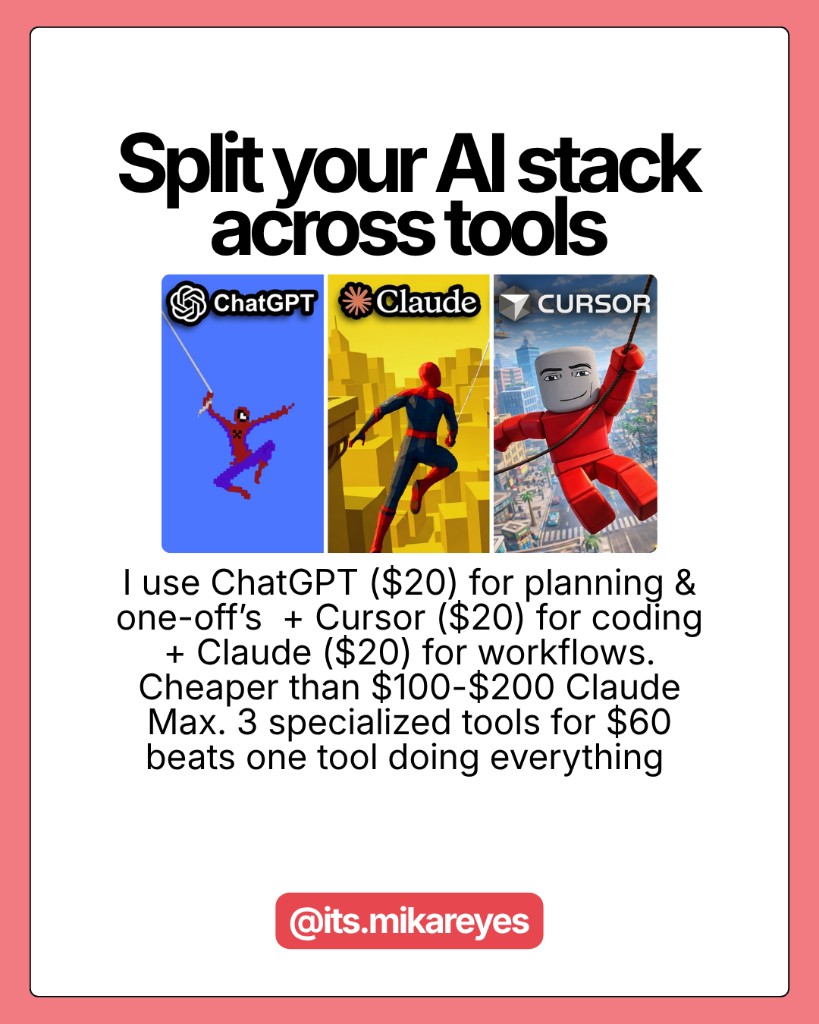
ChatGPT ($20) + Cursor ($20) + Claude ($20) covers more ground than Claude Max alone. Use ChatGPT for planning, brainstorming, and one-off questions. Use Cursor for anything involving code. Use Claude for the actual work -- deep analysis, building files, complex tasks where it genuinely shines.
Paying $60 for three specialized tools beats paying $200 for one tool you're using for everything.
2. Plan in ChatGPT. Execute in Claude.
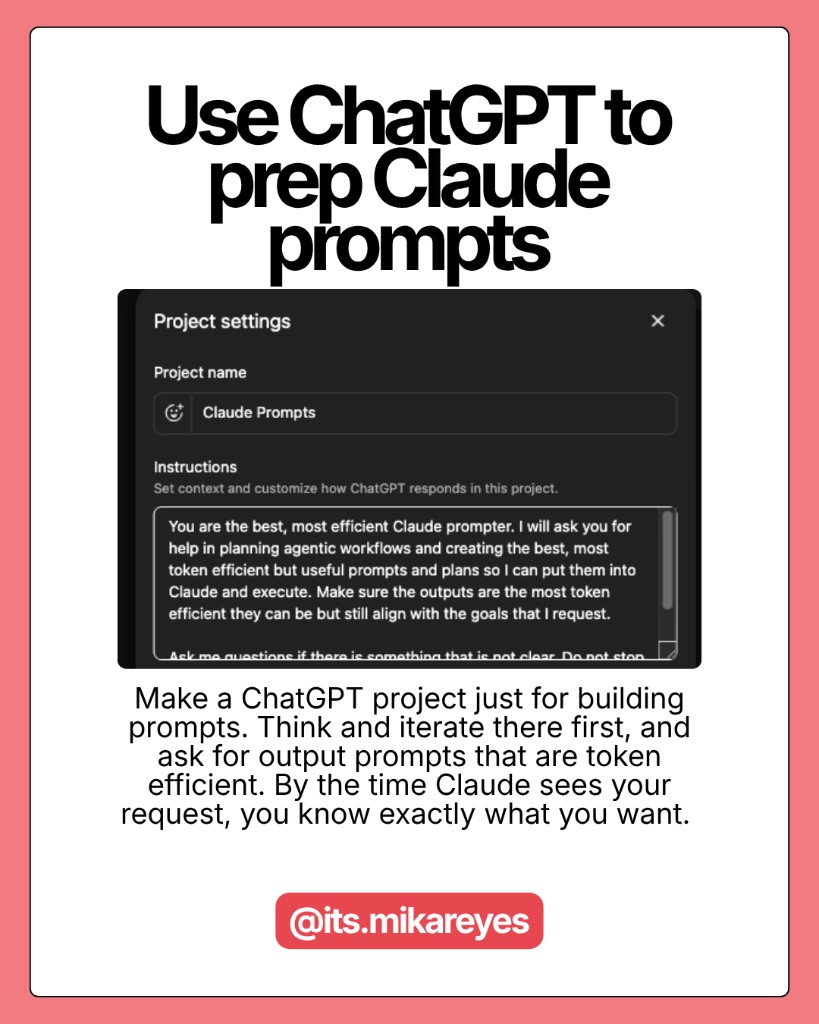
Create a dedicated ChatGPT project just for building clean, scoped prompts before you send them to Claude. Do all your thinking and iteration in ChatGPT first. By the time Claude sees your request, you know exactly what you want.
You're not paying Claude to watch you figure it out. That's what the $20 tool is for.
3. Learn Claude Code
Most people outside of developers don't know this exists. Claude Code is more powerful than Cowork and more token-efficient. I use it to build data visualizations, write briefs for my tech team, and run automations. Zero coding required for most of it. The learning curve is real but it pays back fast.
4. Match the tool and the model to the task
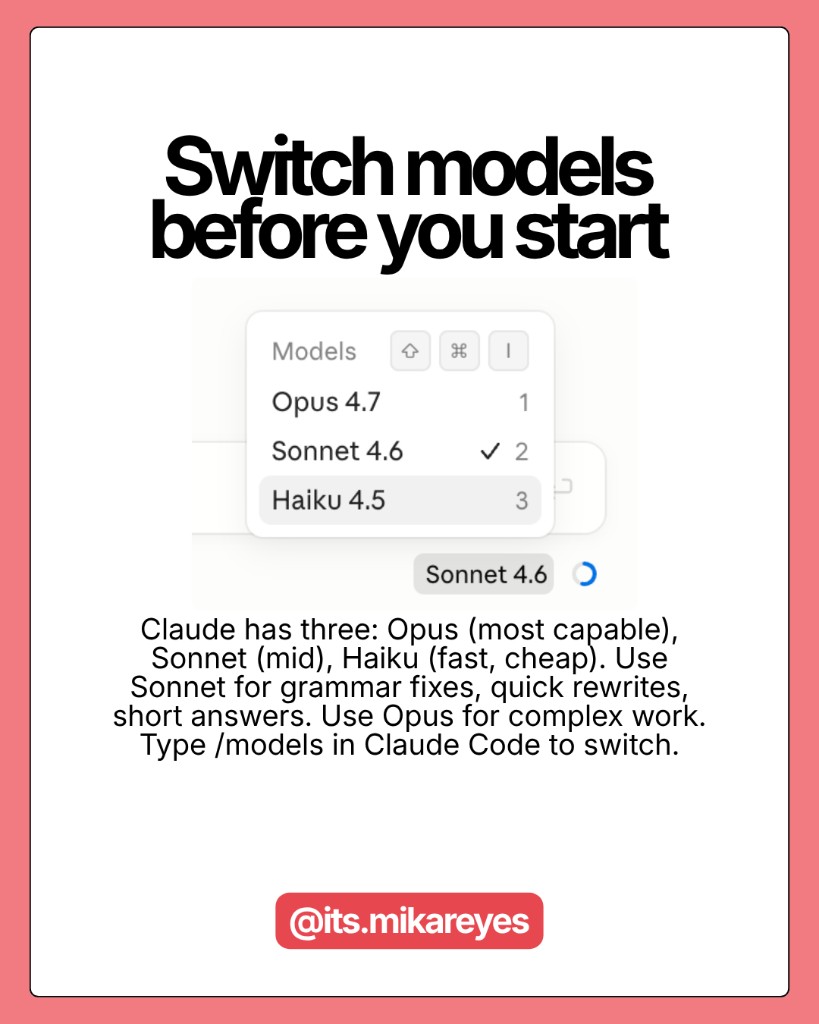
Claude has three products: Chat (lightest), Cowork (medium), and Code (most capable). Use Chat with Haiku for quick questions. Cowork with Opus for reports and anything involving your files. Code with Sonnet for data work and automations.
Within each product, the model matters too. Opus is Claude's most capable -- and most expensive -- mode. Sonnet handles grammar checks, brainstorming, reformatting, and short answers at a fraction of the cost. Haiku is for anything quick and repetitive. If a task would take Claude under 30 seconds to answer, it probably doesn't need Opus. Type /models in Claude Code to switch -- two clicks, done.
5. Stop using Claude for things it's bad at
Claude can't generate images. If you've sent five messages trying to describe a visual and gotten text-based workarounds, you just burned five messages on a task Claude was never going to solve. Use Gemini.
Claude also isn't the fastest at real-time search. Grok and Perplexity are built for that. The goal isn't to use Claude for everything -- it's to reach for Claude when Claude is actually the right call.
Key insight: Routing tasks to the right tool isn't about being complicated. It's about not paying Michelin-star prices for a meal that could have been a sandwich.
The file problem
6. Convert files before uploading
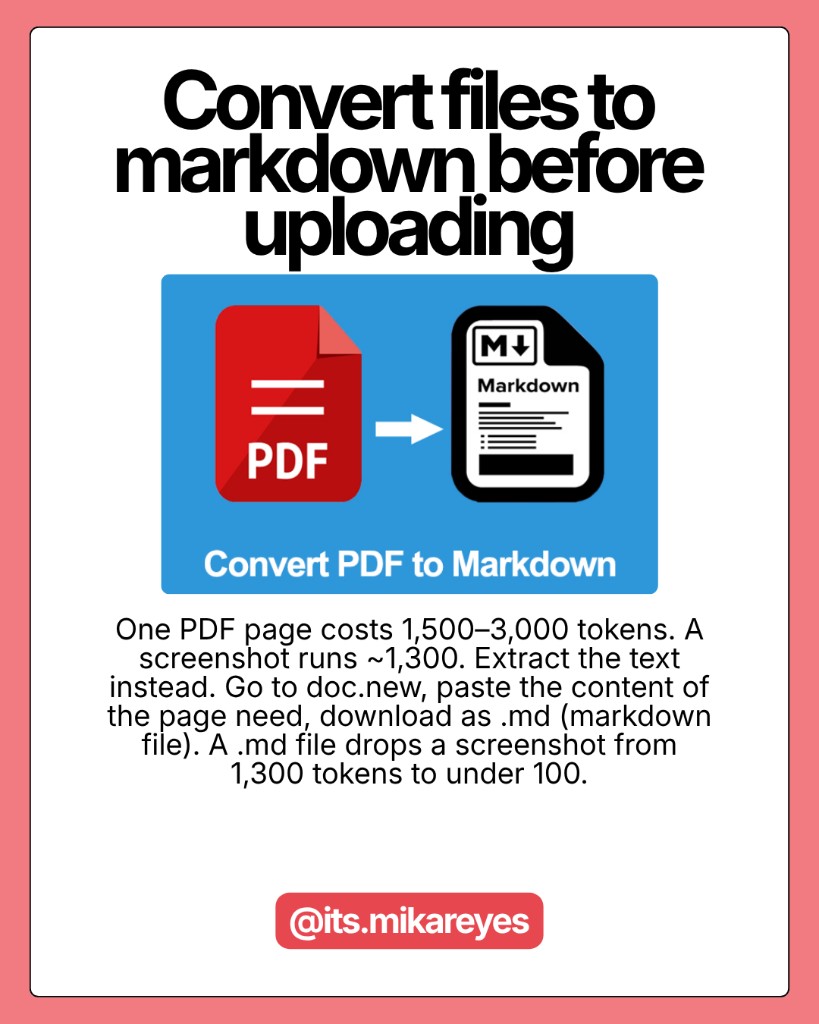
A single PDF page costs 1,500 to 3,000 tokens. A full screenshot runs around 1,300 tokens. DOCX and PPTX files carry metadata bloat you can't even see. Before uploading, extract the text. Copy the relevant sections into a plain text or markdown file instead.
For screenshots, crop tight to only the part that matters. A tight crop can drop token cost from 1,300 to under 100. My go-to workflow: go to doc.new in your browser, paste the text you need, then download as .md (markdown). That's it.
7. Keep your context files short
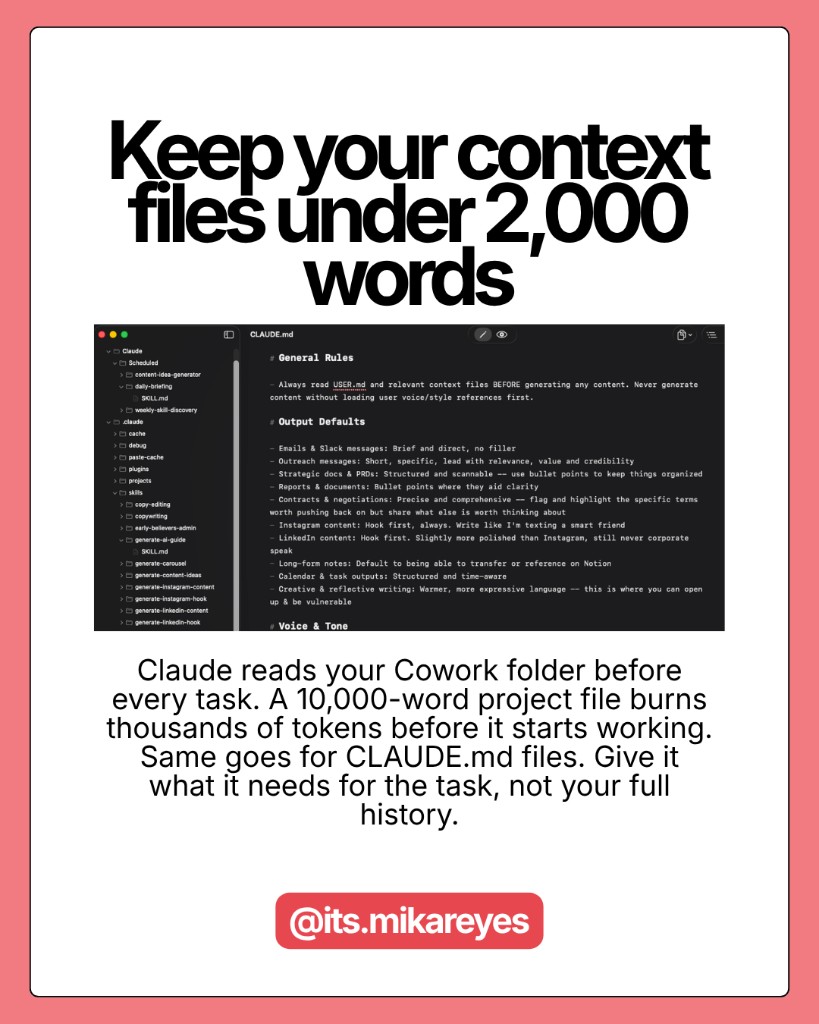
Claude reads your Cowork folder before every single task. If your about-me or project file is 10,000+ words, that's thousands of tokens burned before Claude starts working. The same goes for CLAUDE.md in Claude Code -- it gets injected into every request, every turn, every fresh start.
The rule applies to both: keep persistent context files under 2,000 words. Give Claude what it needs to do the work, not your entire life story. Shorter context means more tokens go toward actual output.
8. Use Projects for files you reference often
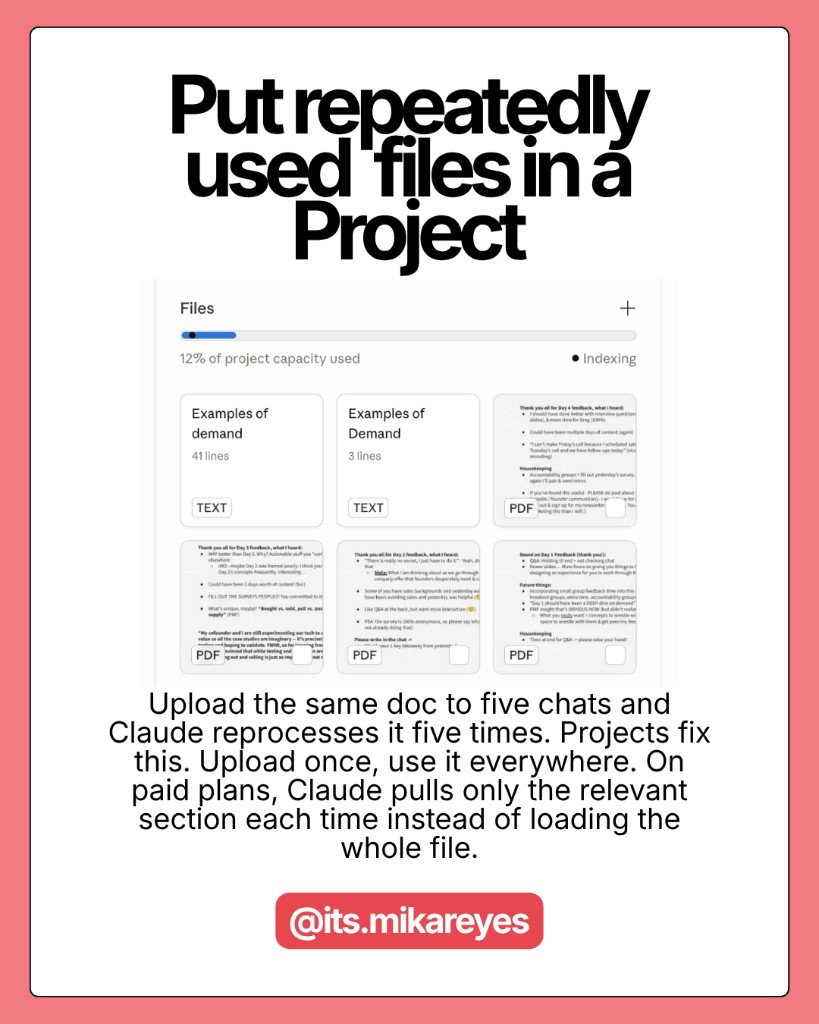
If you upload the same document to five different chats, Claude re-processes that file five separate times. Projects fix this. Upload once, and every future conversation in that project references it without reprocessing the full token cost.
On paid plans, Projects also use RAG -- which means Claude retrieves only the relevant sections of your document instead of loading the entire thing every time. Contracts, brand guides, research papers, anything you reference regularly: put it in a Project.
9. Don't dump your entire folder into every session
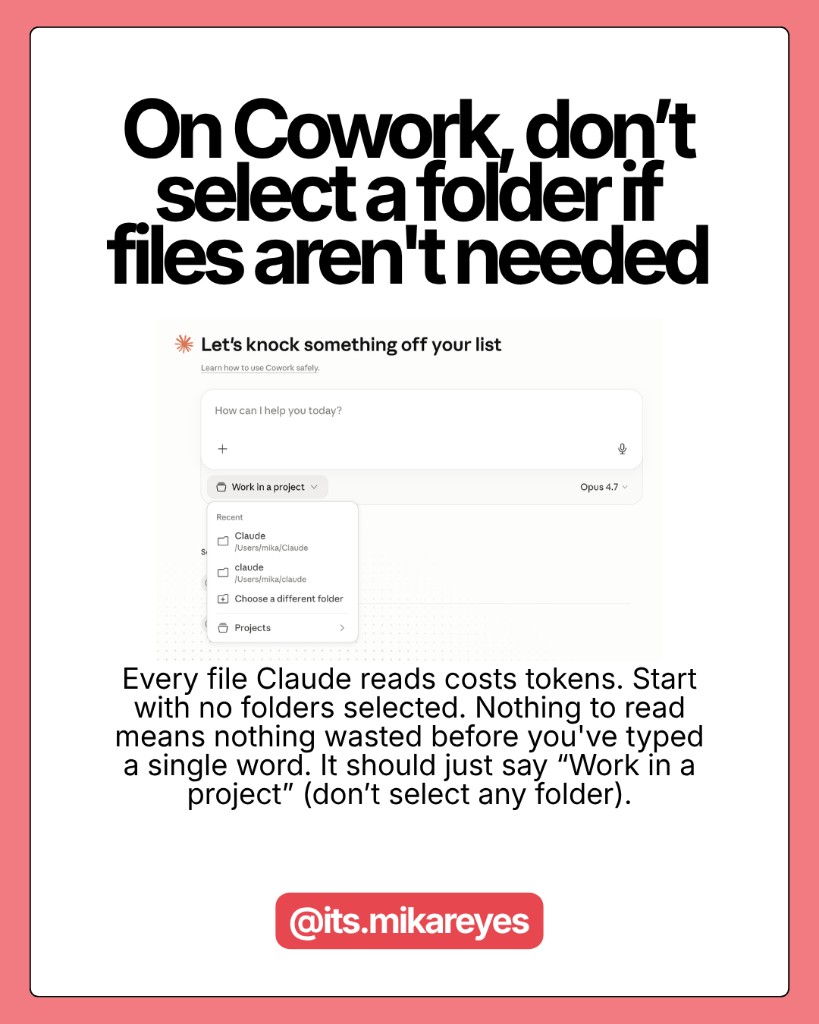
Every file Claude reads is tokens spent. If Claude doesn't need a file for this task, it shouldn't be reading it. For tasks that don't involve your files at all -- a quick email draft, a formatting request -- start the session with zero folders selected.
Zero folders = zero file context = tokens saved before you type a single word.
Here are some related guides to check out:
Frequently asked questions
- How do I stop hitting my Claude usage limit?
- The two biggest levers are your AI stack and your files. Route tasks to the right tool instead of running everything on Claude Max, and clean up how you feed Claude information: convert files to plain text or markdown before uploading, keep context files short, and don't dump your whole folder into every session. Doing both drops your token usage and usually improves your results too.
- Do I really need Claude Max, or is there a cheaper setup?
- You probably don't need Max. A split stack of ChatGPT ($20), Cursor ($20), and Claude ($20) covers more ground than $200 Claude Max alone. Plan and brainstorm in ChatGPT, do anything code-related in Cursor, and save Claude for the deep analysis and file-building where it genuinely shines. Paying $60 for three specialized tools beats $200 for one tool you overuse.
- Why is uploading files to Claude so expensive?
- Because a single PDF page runs 1,500–3,000 tokens, a full screenshot around 1,300, and DOCX/PPTX files carry invisible metadata bloat. Extract the text into a plain markdown file before uploading, and crop screenshots tight; a tight crop can drop a screenshot from 1,300 tokens to under 100. For files you reference often, put them in a Project so Claude doesn't reprocess them every chat.
- Should I use Opus for everything in Claude?
- No. Opus is the most capable and most expensive mode, and most tasks don't need it. Use Sonnet for grammar checks, brainstorming, reformatting, and short answers, and Haiku for quick, repetitive lookups; a good rule is that if a task takes under 30 seconds, it probably doesn't need Opus. Match the product (Chat, Cowork, or Code) and the model to the task instead of defaulting to the heaviest option.
Want to build your first AI agent?
Build Your First Agent 101 is the next step! You'll get step by step guides, video tutorials and starter prompts to create your first agent in half a day, customized to your own workflow.
Learn more