How to use Claude Academy and which courses to take first

Co-founder at King’s Cross Labs · ex-LinkedIn PM & Forbes 30 Under 30
Send this guide to yourself
Get the link in your inbox so you can read it whenever you're ready.
Your email will also be saved for future updates.
Claude Academy is Anthropic's free training hub, and the way through it is three stops: AI Fluency: Framework & Foundations, then Introduction to Claude Cowork (or Claude Code 101), then Use cases filtered to your job. Do not try to finish the catalog.
I opened Claude Academy to catch up and immediately understood why people bounce. Courses, tutorials, use cases, live webinars with their team, product tracks for Claude.ai, Cowork, Code, Tag, and the API. It looks like a second job.
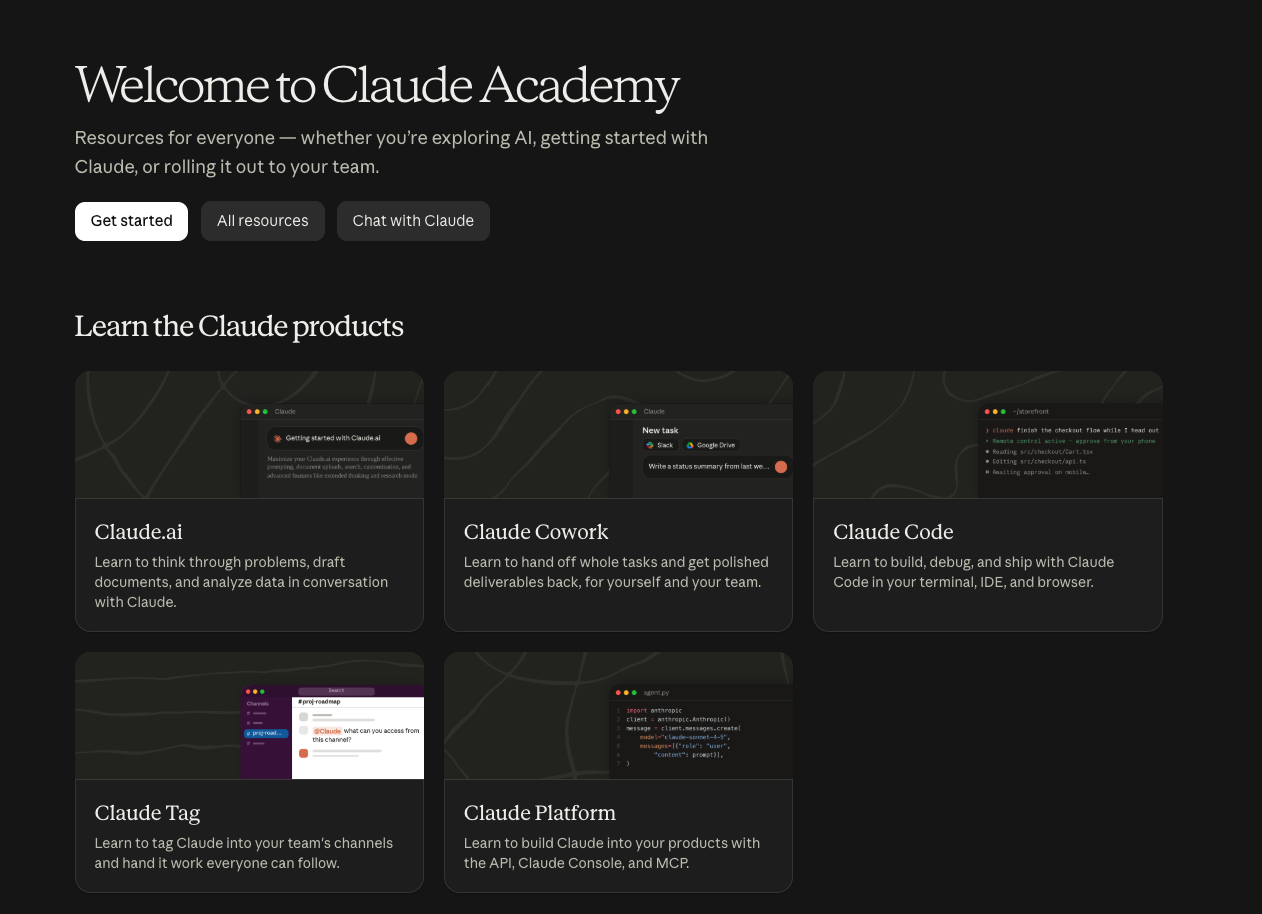
I've taken courses here myself. I run Claude every day in a two-person business, and I teach this stuff. This is the path I'd actually follow, not a list of everything that exists.
Why this matters
Official Anthropic training is one of the few free AI credentials that still means something when someone asks how you learned this. The trap is treating the catalog like homework. You get your time back when you finish one path and use it on work you already have this week, not when you collect another 40 bookmarks.
If you already bookmarked the older Anthropic Academy catalog from my 5 websites for AI courses and certifications guide, this is the new front door. Same company, much bigger library, easier to get lost.
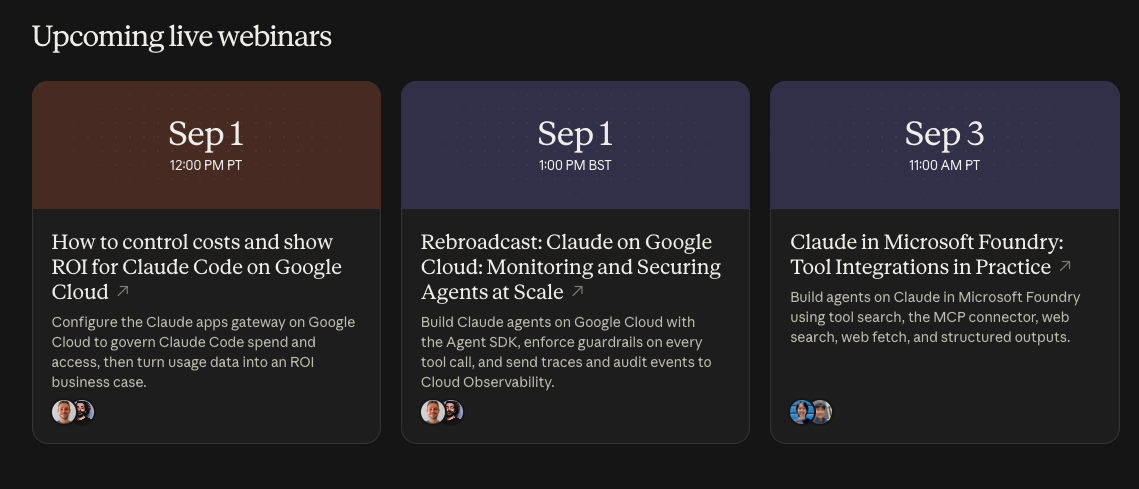
The webinar row alone can feel like a full conference calendar. A lot of those sessions are for platform and IT teams (Google Cloud cost control, agents at scale, Microsoft Foundry). Skip them unless the title is literally your problem this month.
Key insight: Claude Academy is a menu. Order one thing. Finish it. Use it before you order the next.
Which Claude Academy courses should you take first?
Take them in this order:
- AI Fluency: Framework & Foundations (the general course, about 4 hours)
- Introduction to Claude Cowork if you are non-technical, or Claude Code 101 if you want Claude in your files
- Use cases filtered to your role, starting with Marketing if that is your job
That is the whole path. Everything below is how to click it.
1. Start with AI Fluency: Framework & Foundations
On the Claude Academy homepage, go to Learn AI fundamentals with AI Fluency. You will see versions for pK-12 educators, students, faculty, builders, and more. Take AI Fluency: Framework & Foundations. It is 14 lessons, one quiz, about 4 hours, and it is the one that transfers to every other course.
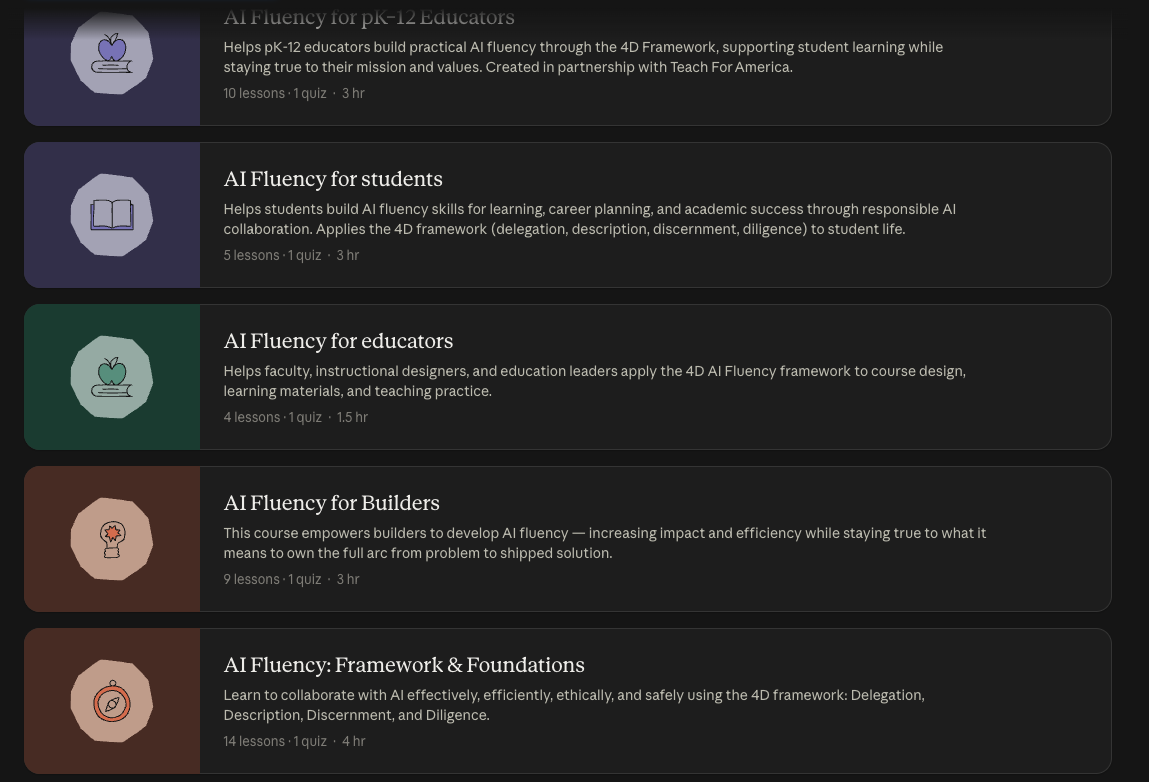
What you actually learn is the 4D framework: Delegation (what you hand to AI), Description (how you ask), Discernment (how you judge the output), and Diligence (what you stay responsible for). That is the missing layer most "here's a prompt" threads never teach.
You do not have to finish all 4 hours in one sitting. Do the framework lessons first. Come back for the deep dives.
If you have not even set Claude up yet, do How to Setup Claude before you sit through a course about it.
2. Then take Introduction to Claude Cowork (or Claude Code 101)
After Fluency, pick one product course. Not both.
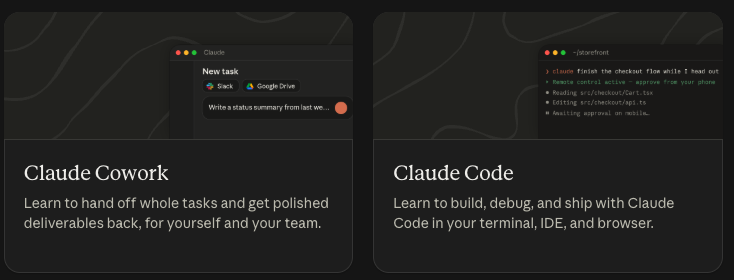
Introduction to Claude Cowork if you are non-technical and you want to hand off whole tasks and get a finished file, brief, or deck back. Anthropic describes Cowork as learning to hand off work and get polished deliverables, for yourself and your team. That is the right first move for most marketers, operators, and founders. The course is 14 lessons, about 2.5 hours, and it assumes a paid Claude plan with the desktop app.
Claude Code 101 if you already want Claude working in a folder, a terminal, or an editor. Despite the name, you do not need to be a developer. You do need to be okay giving it a workspace. The course is 12 lessons, about 1 hour. If that is you, use How to Setup Claude Code alongside it.
Claude Tag (Claude in Slack) and Claude Platform (API) can wait. They are real tracks. They are not stop two.
If you want the mental model behind this split, I compared chat tools vs tools that actually do the work in Chat-based AI vs agentic AI.
3. Then filter Use cases to your actual job
This is the step that makes the catalog usable.
- Open All resources.
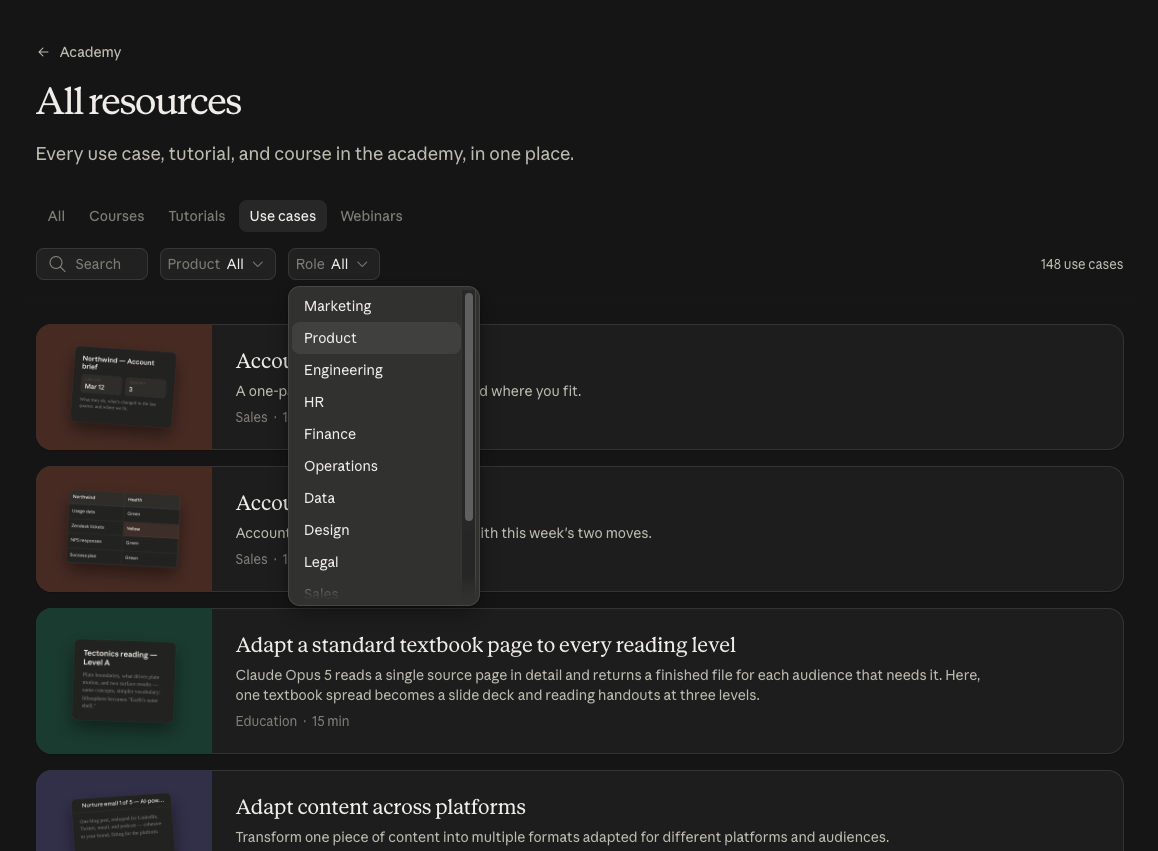
- Click the Use cases tab. Leave Role on All and the list is huge. That is the overwhelm.
- Open the Role dropdown and pick Marketing (or Product, Sales, Finance, HR, whatever you actually do).
- Pick one use case that matches a task you already have this week. Campaign analysis, adapting content across platforms, on-brand drafts. Not the coolest demo. The Tuesday task.
Run that one use case with your real inputs. Then stop. If you want packaged marketing workflows after that, install free marketing skills for Claude so you are not re-explaining the same brief every time.
Claude.com also has a separate Use Cases library. Academy use cases are the course-shaped version, with a Role filter. Same idea, different door. Use the one you will actually finish.
What should you skip?
Skip trying to complete every AI Fluency variant. Skip Tag and Platform until Cowork or Code is in your week. Skip webinars whose titles name a cloud vendor you do not work in. Skip opening 12 tabs of use cases.
The time this buys you is not "I studied Claude." It is one finished workflow you can run again on Thursday, and the hours you did not spend touring a catalog.
Start here: Claude Academy.
Additional Reading
Here are some related guides to check out:
Frequently asked questions
- Can I use Claude Academy for free?
- Yes. Claude Academy courses, tutorials, and use cases are free to browse and take at academy.claude.com. You need a Claude account to try the workflows in the product, and Introduction to Claude Cowork assumes a paid plan with the desktop app, but you can still learn the path on the free Academy site.
- How do I pick which Claude Academy course to start with?
- Take them in this order: AI Fluency Framework and Foundations first, then Introduction to Claude Cowork if you are non-technical or Claude Code 101 if you want Claude in your files, then filter Use cases by your role. Skip the other Fluency variants unless that is actually your job.
- Should I take Claude Cowork or Claude Code first?
- Take Introduction to Claude Cowork first if you want to hand off whole tasks and get a finished deliverable back without living in a terminal. Take Claude Code 101 first if you already want Claude reading and editing files in a folder. Start with one. You can learn the other later.
- What's the difference between Claude Academy use cases and Claude's Use Cases page?
- Claude Academy use cases live under All resources at academy.claude.com, with filters for role and product. Claude.com also has a separate Use Cases library at claude.com/resources/use-cases. Use Academy when you want the training hub and the Role filter. Use the Claude.com library when you want to steal one workflow and customize it the same day.
Want to build your first AI agent?
Build Your First Agent 101 is the next step! You'll get step by step guides, video tutorials and starter prompts to create your first agent in half a day, customized to your own workflow.
Learn more