How to Install Free Marketing Skills for Claude

Co-founder at King’s Cross Labs · ex-LinkedIn PM & Forbes 30 Under 30
Send this guide to yourself
Get the link in your inbox so you can read it whenever you're ready.
Your email will also be saved for future updates.
You do not need to hire a marketing team to get marketing leverage out of Claude. There are free, open skill packs that already cover conversion, copy, SEO, social, and design. The install takes a few minutes.
If you have ever pasted the same brief into Claude for the tenth time and still gotten generic output, this is the fix. Skills are packaged expertise Claude can load on its own. New to the idea? Start with What is a Skill?.
I group these into three packs: marketing for the growth work you'd otherwise hire out, social for content that actually sounds like you, and design so your landing pages stop looking like every other AI-made UI. Here's how to install each one, what to run first, and the links.
Marketing (49 skills)
Built by Corey Haines, who does marketing for a living. Biggest pack of the three, and the one with the most stars by a mile. Ad creative, copywriting, conversion, positioning, launches, SEO, email, and about forty other jobs.
Repo: github.com/coreyhaines31/marketingskills
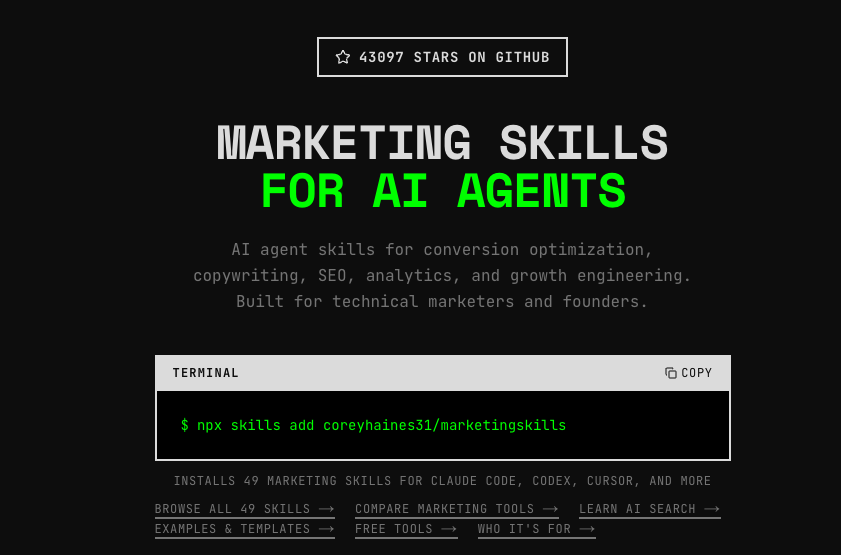
Install via plugin (use this unless you have a reason not to). It keeps the pack updated for you:
/plugin marketplace add coreyhaines31/marketingskills
/plugin install marketing-skills@marketingskills
Or install as plain skill files if you want them sitting in your own folder so you can read and edit them:
npx skills add coreyhaines31/marketingskillsHow I use it: pick one job you'd normally outsource (landing page copy, SEO brief, launch plan, email sequence) and ask Claude to use the matching skill. Don't install everything and try to "use the pack." One skill, one real task. Expand from there.
Key insight: This is not a marketing course. It's a bench of specialists. Call the one you need for the job in front of you.
Social Media (17 skills)
Built by Charlie Hills. Smaller pack, sharper. Scripting, hooks, thumbnails, captions, repurposing, and analysis of what's already working. The system behind it starts with a newsletter and fans out to LinkedIn, Reels, YouTube, and the rest.
Repo: github.com/charlie947/social-media-skills
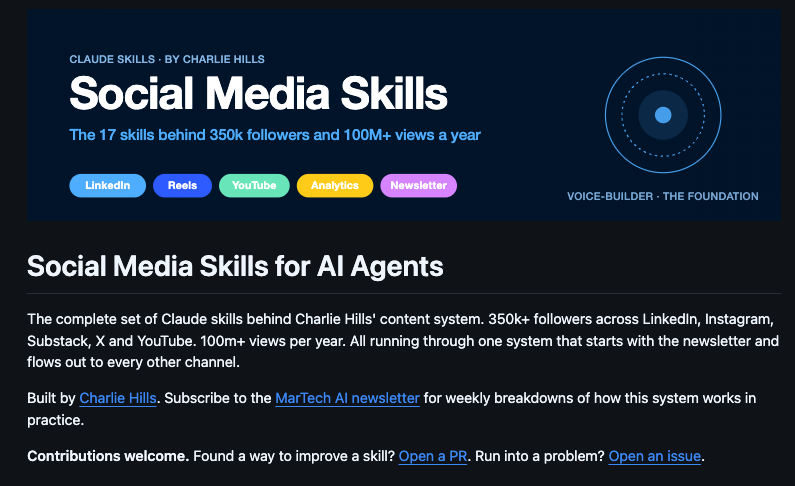
Install:
/plugin marketplace add charlie947/social-media-skills
/plugin install social-media-skills@social-media-skills
Run voice-builder first
This is the whole trick, and I mean it. One skill in this pack is called voice-builder. It interviews you and writes two files: an about-me file and a voice file. Every other skill in the pack reads those two files.
Skip it and the other sixteen produce the same generic content anyone else would get. Run it and the whole pack starts sounding like you. Takes about ten minutes. It's the single most useful tip on this page.
Same idea as giving Claude durable context about you. If you want more on that pattern, see How to Give Claude Memory.
Then try these two
reels-scripting. Hand it an outlier Reel (one that clearly outperformed everything around it). It figures out why the structure worked and writes you a script in that shape about your own topic. Closest thing to a repeatable content engine in the pack.
youtube-thumbnail. Thumbnail concepts and text. Most people spend zero minutes on this part, then wonder why nobody clicked.
If you already build carousels or short-form systems yourself, pair this with Carousel Generator for the visual layer.
Design (UI UX Pro Max, Taste, Impeccable)
Three tools I actually reach for when Claude starts designing like Claude.
UI UX Pro Max is design intelligence for building professional UI across platforms.
Repo: github.com/nextlevelbuilder/ui-ux-pro-max-skill
/plugin marketplace add nextlevelbuilder/ui-ux-pro-max-skill
/plugin install ui-ux-pro-max@ui-ux-pro-max-skill
Taste has quietly grown into a full pack, not one skill. Strong when you want taste judgment, not just "make it pretty."
Repo: github.com/Leonxlnx/taste-skill
npx skills add https://github.com/Leonxlnx/taste-skillImpeccable is the missing design vocabulary for agents. It strips the slop from AI-generated interfaces and gives you precise commands (/polish, /distill, /clarify, and more) so you can steer instead of hoping.
Site: impeccable.style
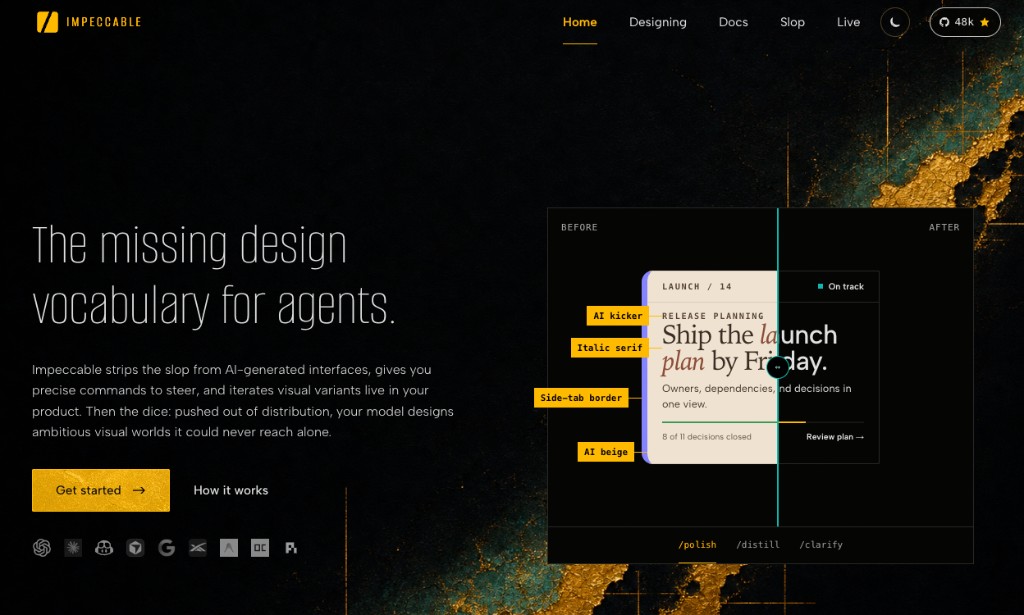
Install:
npx impeccable installFirst run:
/impeccable initHow I use the design stack: generate the page or component first. Then run Impeccable (or Taste / UI UX Pro Max) as the pass that removes AI beige, generic serifs, and default card layouts. If you're building a full zero-cost marketing stack around agents, this pairs well with How to Set Up a $0 AI Marketing Team with Paperclip.
What I'd install first
- Marketing pack (plugin install)
- Social pack, then voice-builder immediately
- Impeccable (or UI UX Pro Max if you want a heavier UI skill first), then Taste
You don't need all three on day one. Install the pack that matches the work you'll do this week.
Here are some related guides to check out:
Frequently asked questions
- Do I need Claude Code to use these marketing skills?
- Most of these packs are built for Claude Code and similar agent tools like Cursor or Codex, depending on the pack. The slash plugin commands are for Claude Code. The npx install routes often work across tools. If you only use chat Claude today, learn what a skill is first, then move to Claude Code when you want packs like these.
- Can I install just one pack instead of all three?
- Yes. Install the pack that matches this week's work. Marketing for copy, SEO, and conversion. Social for content that needs your voice. Design when your UI looks AI-generated. You do not need all three on day one.
- Why do I have to run voice-builder before the other social skills?
- Every other skill in Charlie's pack reads the about-me and voice files that voice-builder creates. Skip it and you get generic content. Run it once, about ten minutes, and the rest of the pack starts sounding like you.
- What's the difference between the plugin install and npx skills add?
- Plugin install keeps the pack updated for you. npx skills add drops the plain skill files into your own folder so you can read and edit them. Use the plugin route unless you specifically want editable local files.
Want to build your first AI agent?
Build Your First Agent 101 is the next step! You'll get step by step guides, video tutorials and starter prompts to create your first agent in half a day, customized to your own workflow.
Learn more