7 Ways to Find Claude Skill Ideas That Actually Fit Your Work

Co-founder at King’s Cross Labs · ex-LinkedIn PM & Forbes 30 Under 30
Send this guide to yourself
Get the link in your inbox so you can read it whenever you're ready.
Your email will also be saved for future updates.
Most Claude skills I’ve tried feel like they were built for someone else’s job. The instructions are fine. The workflow just doesn’t match how I actually work.
The hard part isn’t building a skill. It’s knowing what to build, and finding ideas that fit your repeats, not a stranger’s demo.
Here are seven sources I use, ranked from most personal (best) to most generic. Start at the top. Only scroll down when you’ve exhausted your own patterns.
Why this order matters
A skill is just a packaged version of work you already do. If you start by browsing random skill lists, you end up with clever tools you never open. If you start from your own repeats, you get skills that save time on Monday morning, not skills that look good in a screenshot.
The first three come from your behavior. The last four are where you borrow from other people. Both matter. Your own patterns should always win.
Start with your own patterns
1. Run a scheduled skill auditor
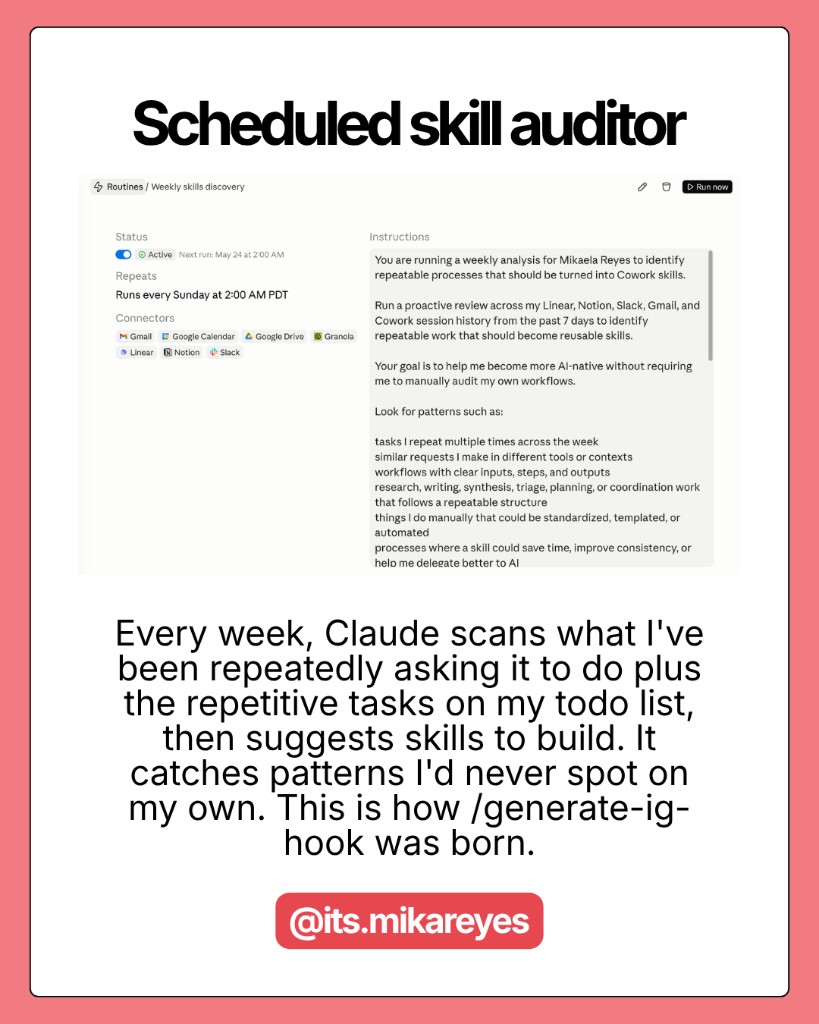
Once a week, I have Claude scan what I’ve been asking it to do over and over, plus the repetitive tasks on my todo list. Then it suggests skills I should build.
This catches patterns I’d never spot on my own. I don’t have to remember what felt tedious. The audit surfaces it.
This is how /generate-ig-hook was born. I kept asking for Instagram hooks in slightly different ways. The weekly pass made the repeat obvious.
How to do it: Set a recurring calendar block (15 minutes is enough). Paste a prompt that asks Claude to review your recent chats, todos, and tools for repeat workflows. Ask for skill candidates ranked by how often you do the task.
Key insight: The best skill ideas don’t come from inspiration. They come from tasks you’ve already done three times this week.
If you want the full weekly audit prompt, I wrote that up in Weekly Skill Discovery.
2. Mine long Claude conversations
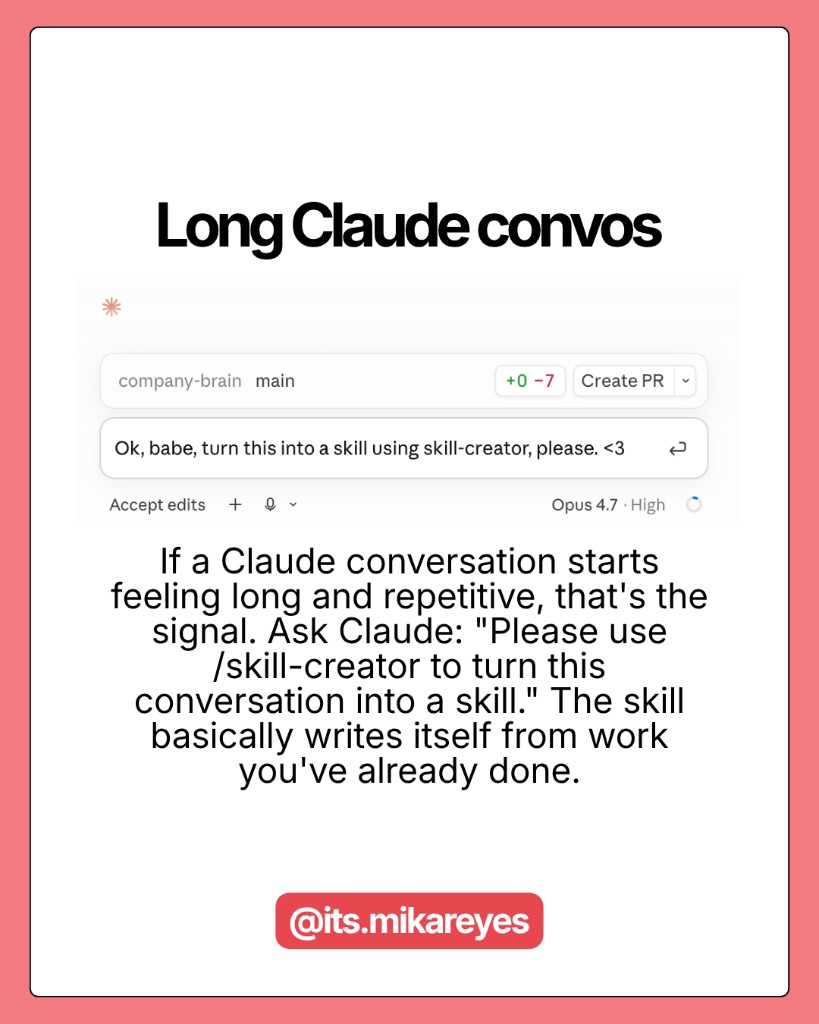
If a conversation with Claude starts feeling long and repetitive, that’s the signal. You’ve already done the thinking. You’re just re-explaining the same setup.
Stop there. Ask Claude:
"Please use /skill-creator to turn this conversation into a skill."
The skill basically writes itself from work you’ve already done. You’re not starting from a blank page. You’re packaging a thread that already produced good output.
3. Look at recurring calendar blocks
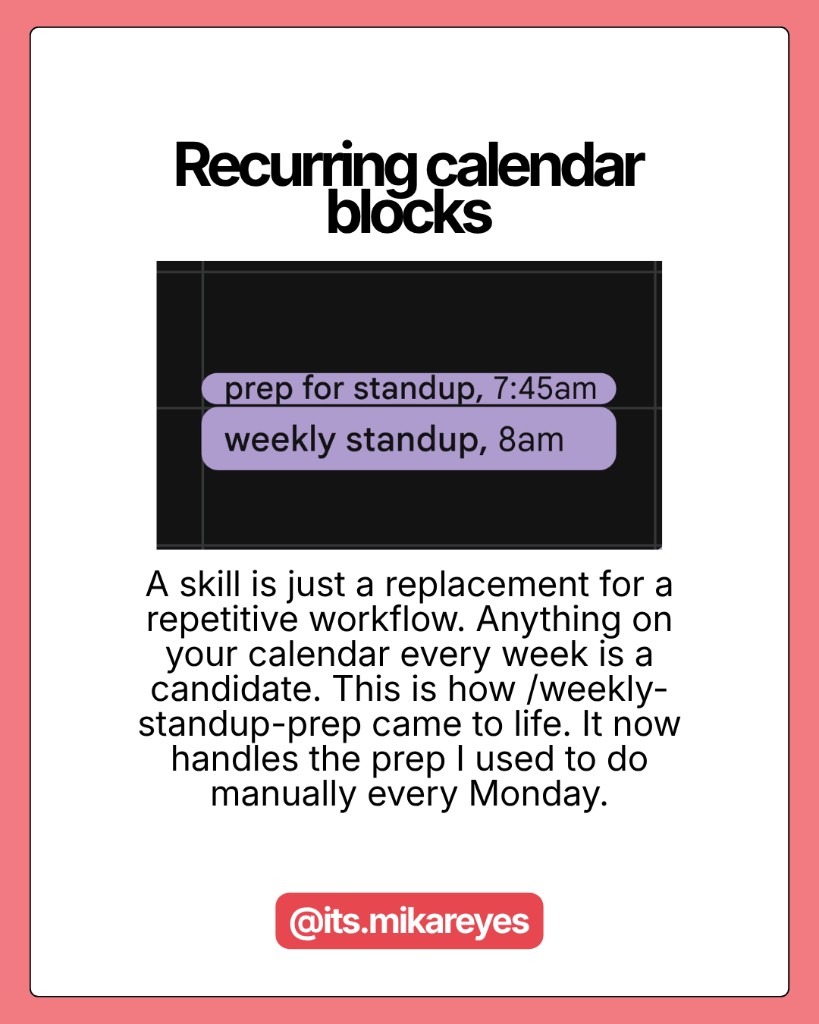
A skill is a replacement for a repetitive workflow. Anything on your calendar every week is a candidate.
I used to prep for our founder standup manually every Monday. Same sources, same format, same forty minutes. Now /weekly-standup-prep handles that prep. The skill exists because the calendar block existed first.
Scan your calendar for events that repeat weekly or monthly: reporting, planning, content batching, inbox triage, client check-ins. If you do it on a schedule, Claude can probably do the prep.
Borrow from people who already solved it
4. Browse GitHub (sort by stars)
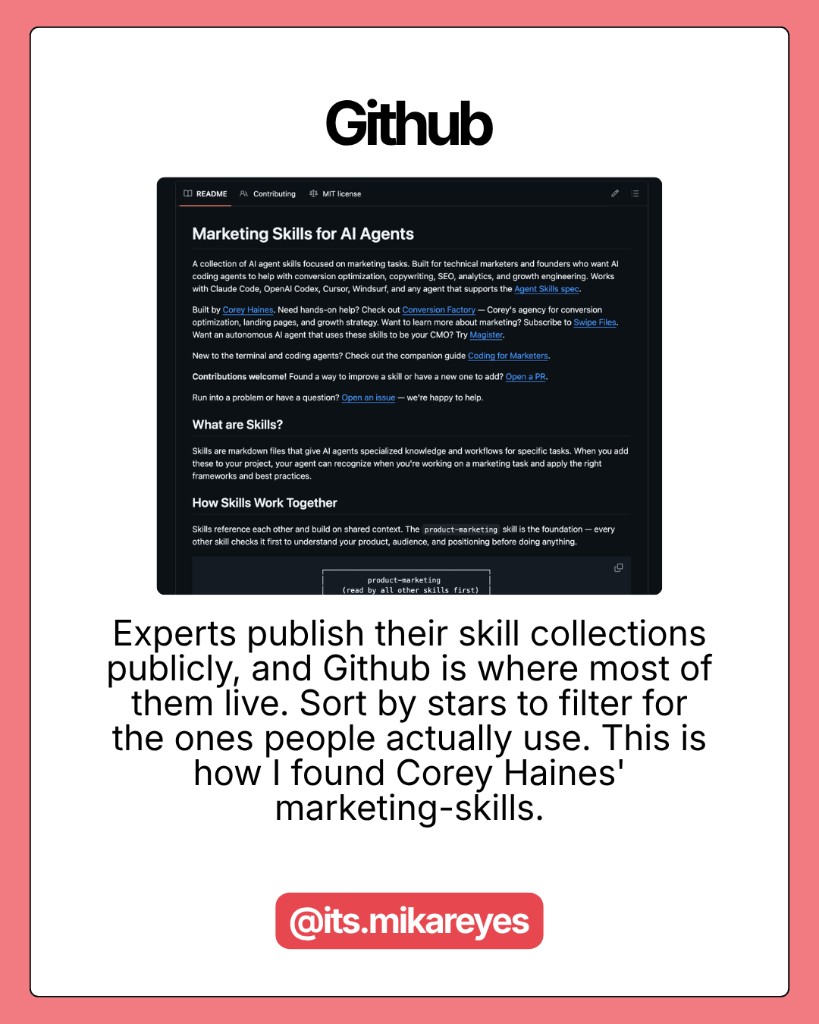
Experts publish skill collections publicly, and GitHub is where most of them live. Search for “Claude skills” or “agent skills” and sort by stars. That filters for skills people actually use, not repos someone pushed once and forgot.
This is how I found Corey Haines’ marketing-skills collection. Useful, specific, and clearly battle-tested by other marketers.
Before you install anything, read the README. Check when it was last updated. Skim one example workflow. If it still doesn’t match your job after that, skip it.
5. Search Reddit
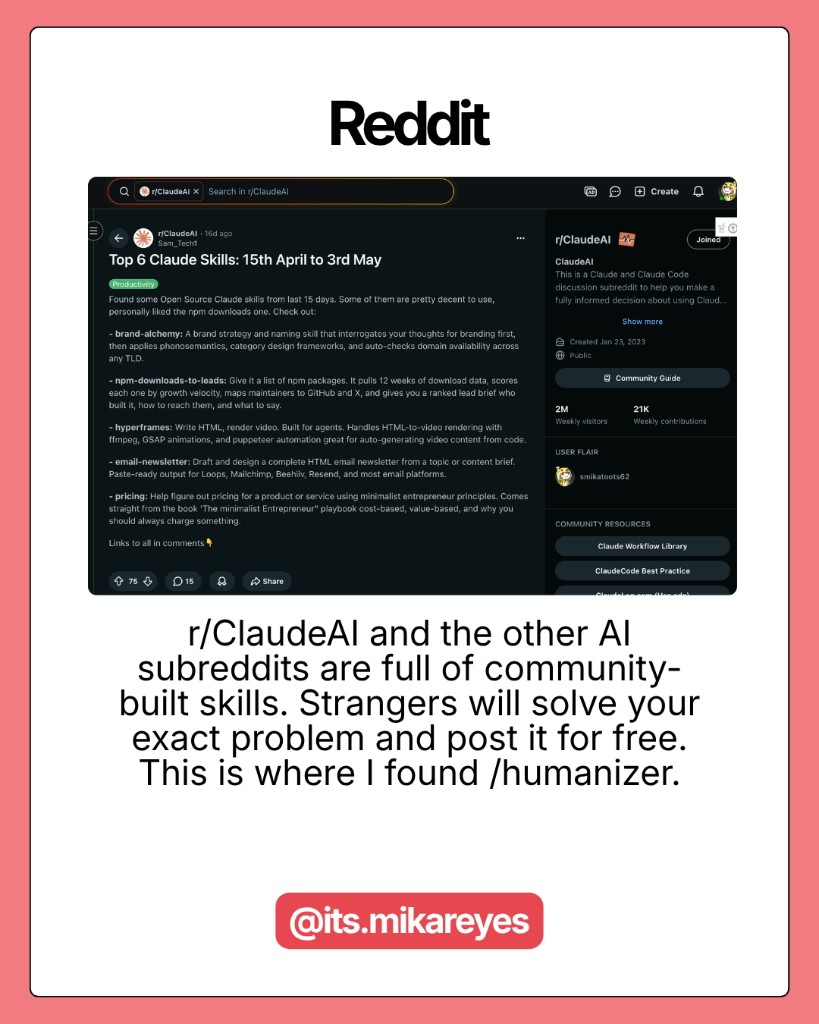
r/ClaudeAI and other AI subreddits are full of community-built skills. Strangers will solve your exact problem and post the skill file or install link for free.
Search the subreddit for your use case before you build from scratch: “humanizer,” “email draft,” “weekly review,” “contract.” Someone may have already packaged it.
This is where I found /humanizer. I didn’t need to invent a de-AI-writing workflow. I needed to find the one people were already arguing about in the comments.
6. Check skills marketplaces
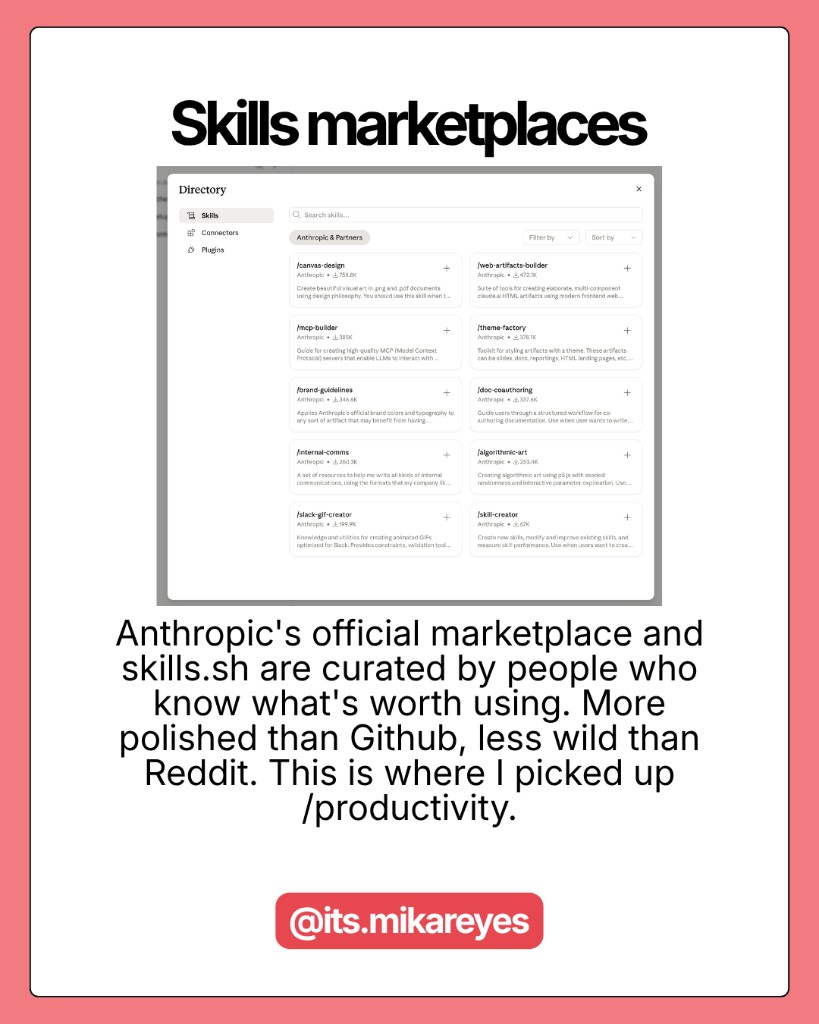
Anthropic’s official marketplace and skills.sh are curated by people who know what’s worth using. More polished than GitHub, less wild than Reddit.
Good when you want a vetted starting point: productivity, writing, research, coding helpers. I picked up /productivity this way when I wanted something maintained and documented, not a random gist.
Tradeoff: curation means fewer weird/niche skills. Great for foundations. Less great for hyper-specific workflows only you have.
7. Follow creators who show real workflows
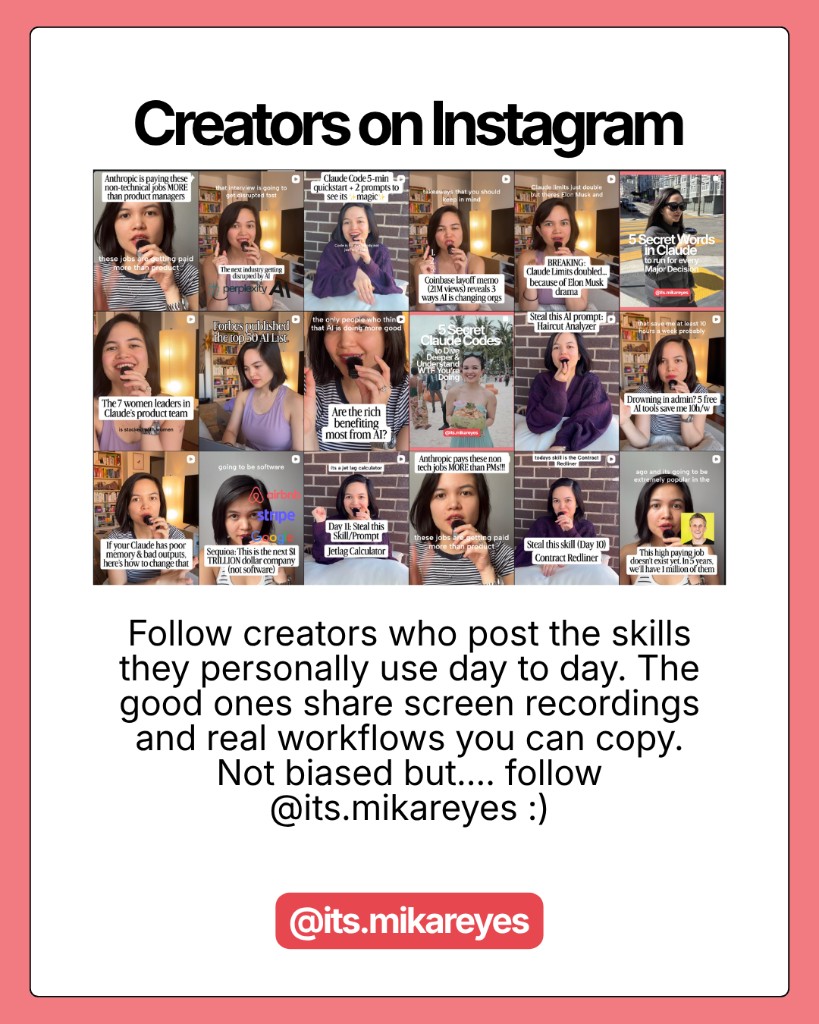
Follow creators who post the skills they personally use day to day. The good ones share screen recordings and real workflows you can copy, not just a list of slash commands with no context.
Look for: before/after output, which tool they’re in (Claude desktop, Cowork, Claude Code), and what problem the skill actually solved. If they only show the skill name and not the workflow, keep scrolling.
(Not biased but… follow @its.mikareyes. I post the skills I actually run, with the screen recordings.)
How to use this list
Work top to bottom. Run your weekly audit and calendar scan first. Turn one long conversation into a skill before you download ten from GitHub.
When you do borrow from GitHub, Reddit, or a marketplace, treat it as a draft. Rename it, trim steps that don’t apply, and add one line about your inputs (voice doc, tools, folder structure). A borrowed skill you customize beats a perfect skill you never open.
Additional Reading
Here are some related guides to check out:
Frequently asked questions
- How do I know what Claude skill to build?
- Start from your own repeats, not someone else's skill list. A skill is just a packaged version of work you already do. The best ideas come from tasks you've already done three times this week, which you surface by auditing recent chats, mining long conversations, and scanning recurring calendar blocks. Only after you've exhausted your own patterns should you borrow from GitHub, Reddit, or marketplaces.
- Why do most Claude skills I try feel useless?
- Because they were built for someone else's job, so the workflow doesn't match how you actually work. That's why you start from your own patterns first: skills built from your repeats save time on Monday morning, while random downloaded ones just look good in a screenshot. When you do borrow one, treat it as a draft: rename it, trim steps, and add your own inputs.
- Where can I find Claude skills other people have made?
- Four good sources, roughly in order: GitHub (search "Claude skills" and sort by stars for ones people actually use), Reddit (r/ClaudeAI, searched by your problem), curated marketplaces like Anthropic's directory and skills.sh, and creators who post real workflows. Read the README, check when it was last updated, and skim one example before installing. If it still doesn't match your job, skip it.
- Can I turn a long Claude conversation into a skill?
- Yes. If a conversation starts feeling long and repetitive, that's your signal that you've already done the thinking. Just ask Claude to use /skill-creator to turn that conversation into a skill. It basically writes itself from work you've already done, so you're packaging a proven thread instead of starting from a blank page.
Want to build your first AI agent?
Build Your First Agent 101 is the next step! You'll get step by step guides, video tutorials and starter prompts to create your first agent in half a day, customized to your own workflow.
Learn more