AI Reflection Prompt for Storing Memory

Co-founder at King’s Cross Labs · ex-LinkedIn PM & Forbes 30 Under 30
Send this guide to yourself
Get the link in your inbox so you can read it whenever you're ready.
Your email will also be saved for future updates.
The fix for Claude forgetting who you are is a reflection prompt you run at the end of a session, not a better memory setting. You ask Claude to dig back through your conversations, pull out what it learned about you with evidence attached, and save the result somewhere you control. It takes ten seconds to paste, and it is the highest-return Claude habit I have. It is also the one I skip the most.
Why this matters
Every session with Claude is full of information about you: your role, your constraints, the format you keep asking for, the approach you rejected twice. Most of it evaporates.
- Built-in memory catches some of it, but you do not control what it keeps.
- It does not always carry over to the next session.
- A reflection pass at the end of a session catches that context before it disappears.
It is the same compounding idea behind loop engineering that Boris Cherny and Andrej Karpathy both talk about: every run should make the next run better.
What do you need before Claude can look back?
1. Turn on chat history and memory
- In Settings, then Capabilities, switch on both "Search and reference chats" and "Generate memory from chat history."
- Without the first one, Claude only sees the conversation you are in right now.
- In Claude Code you do not need a toggle. Your sessions are already saved on disk.
- If you have not set any of this up yet, start with the beginner walkthrough for giving Claude memory and come back.
2. Pick the moment to reflect
- Right after something real happened: the end of a long working session, or the end of a project.
- Any time you had to correct Claude twice on the same thing.
- Not on a weekly schedule. By then you have forgotten the specifics that make the output good.
What do you actually paste in?
3. Run the reflect prompt
Paste it as-is, or trim the sections that do not apply to you.
Before you answer, go dig through our conversation history: this session and
every past session you can access. I want you to build a profile of me from
evidence, not vibes.

Extract and organize everything you can find about:

1. IDENTITY: who I am, what I do, my background, my company, my role
2. CONTEXT: what I'm currently working on, my goals, constraints, what stage
   I'm at
3. PREFERENCES: how I like you to work with me, including format, tone,
   length, what I've pushed back on, what I've praised, what I've asked you
   to stop doing
4. DECISIONS: positions I've taken that should hold in future sessions
   (tools I've chosen, approaches I've rejected, standards I've set)
5. PEOPLE & PROJECTS: recurring names, clients, collaborators, project
   codenames

Rules:
- Every item must cite where it came from. Quote the message or describe the
  exchange. If you can't point to evidence, don't include it.
- Mark each item as [HIGH] or [LOW] confidence.
- Separate durable facts (true in 6 months) from session-specific noise
  (delete that).
- Flag anything sensitive I might not want written down.

Show me the list first. Don't save anything yet.

Once I approve, save it two ways:
(a) into your memory, and
(b) as a plain markdown file I own, one fact per section, so I have a
    portable copy that survives if your memory resets.
Three lines in that prompt do most of the work.
- "Evidence, not vibes" and the citation rule stop Claude from filling gaps with plausible guesses.
- The [HIGH] and [LOW] tags give you something to scan instead of reading every line at the same weight.
- "Show me the list first" keeps a bad inference out of your memory.
4. Read it for what Claude got wrong
The citations exist for this step.
- Scan the [LOW] items first. Two or three will be stale (a project you finished), overfit (a one-off request read as a standing preference), or flatly wrong. Delete those.
- Then check the [HIGH] items. A wrong fact marked high confidence is the expensive kind.
5. Approve, then let it save both ways
- Only tell Claude to save after you have cut the wrong items.
- Memory is convenient and gets used automatically.
- The markdown file is the copy you own, and it survives a memory reset or a move to a different tool. Ask for it as a plain file in a folder you control.
How do you stop repeating yourself every session?
6. Turn the prompt into a skill called /reflect
- After two runs, stop pasting it. Say to Claude: "please turn this prompt into a skill and call it reflect."
- A skill is a saved process with a trigger phrase attached, so from then on you type
/reflectand the whole thing runs. - If you have never built one, What is a Skill? covers the concept and How to Create Your Own Custom Skill walks through the skill-creator and the eval step.
- Keep the approval gate inside the skill. One that writes to memory without showing you the list first will bake in its own mistakes.
7. Point the output at your second brain (advanced)
- If you keep context files, tell the skill where to write instead of letting it pick a folder.
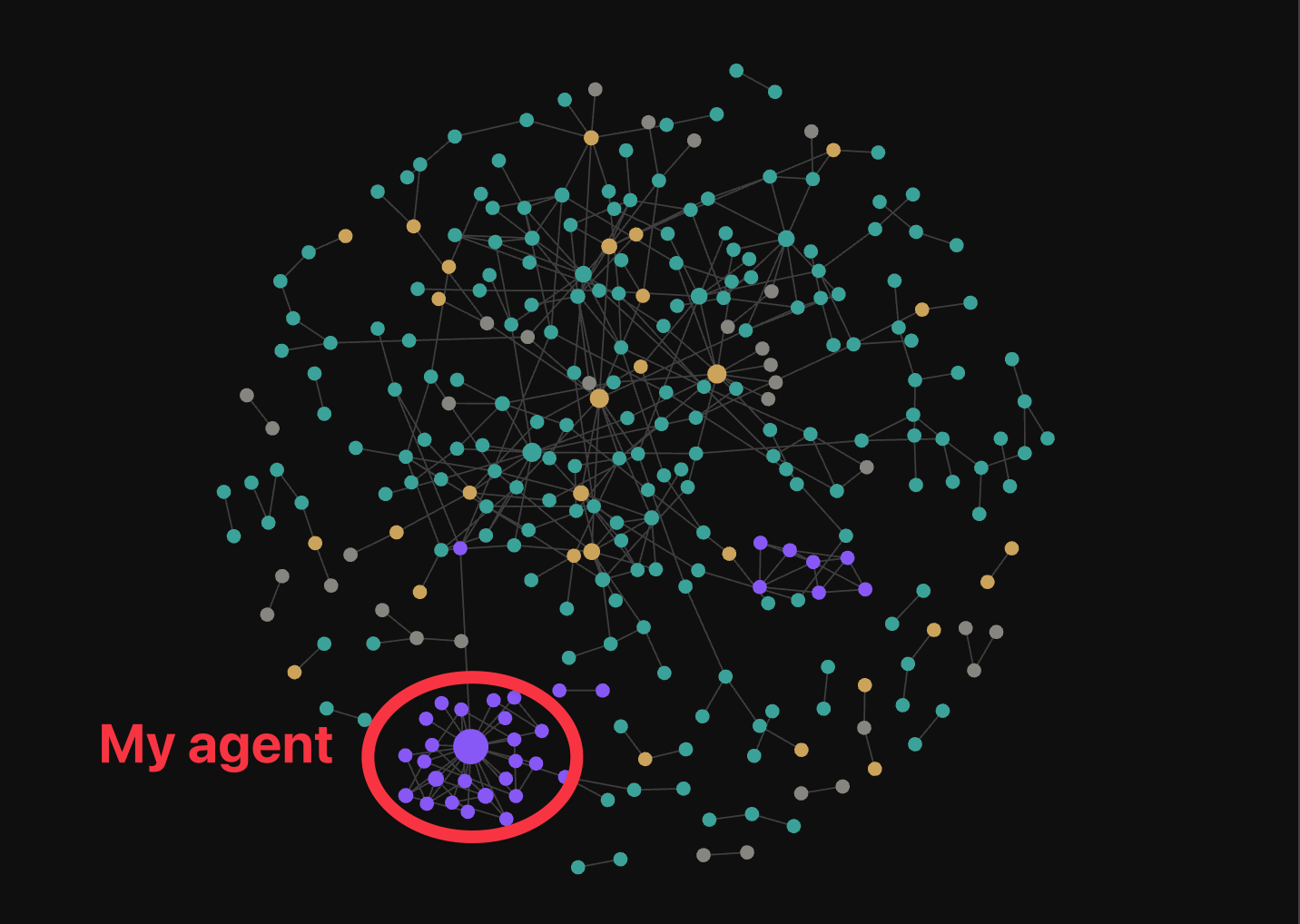
- Mine goes into a folder in the repo Nick and I share, so Claude can read it back alongside everything else we have saved.
- Setting up global context files like CLAUDE.md and USER.md is the prerequisite. Do it before you automate anything.
- I wrote about turning six years of stale notes into a second brain if you want the longer version.
8. Check next session that it took
- The next day, open a fresh session and ask Claude what it knows about you and where it learned it.
- If it points at the file or the memory entry, the loop is closed.
- If it comes back blank, your save step did not work, and you want to know that now rather than three weeks from now.
Key insight: Reflection is only worth doing if you read the output and delete things. A reflection prompt you approve without reading is a very efficient way to make Claude confidently wrong about you.
Additional Reading
Here are some related guides to check out:
- How to Give Claude Memory (Beginner to Advanced)
- How to Create Your Own Custom Skill
- How to Setup Global Context for Claude (CLAUDE.md, USER.md)
- How to Keep Your CLAUDE.md From Going Stale (Context Updater)
- Loop Engineering 101
Frequently asked questions
- Can Claude actually read my past conversations?
- Only if you turn it on. In Settings under Capabilities there are two toggles, "Search and reference chats" and "Generate memory from chat history," and both need to be on before Claude can look past the session you are in. In Claude Code your sessions are already stored on disk, so no toggle is needed there. Without either, the reflect prompt still works but it only sees the current conversation.
- How often should I ask Claude to reflect?
- Right after something substantial, not on a fixed schedule. The end of a long working session, the end of a project, or any time you corrected Claude twice on the same thing. The value comes from the details being fresh, which is why a weekly calendar reminder tends to produce vaguer output than reflecting in the moment.
- Why does the prompt ask Claude to cite evidence for every item?
- Because otherwise it will fill in gaps with things that sound right. Asking for a quote or a described exchange behind every claim, plus a high or low confidence tag, gives you something you can check in about a minute. Anything with no evidence behind it gets dropped before it reaches your memory.
- Do I need to save the output to a file if Claude already has memory?
- Yes, and that is deliberate. Built-in memory is convenient but you do not fully control what it keeps or how long it keeps it. A plain markdown file in a folder you own is the portable copy that survives a memory reset or a move to a different tool, and you can read and edit it yourself.
Want to build your first AI agent?
Build Your First Agent 101 is the next step! You'll get step by step guides, video tutorials and starter prompts to create your first agent in half a day, customized to your own workflow.
Learn more