5 AI Tools That Save Me 10+ Hours a Week

Co-founder at King’s Cross Labs · ex-LinkedIn PM & Forbes 30 Under 30
Send this guide to yourself
Get the link in your inbox so you can read it whenever you're ready.
Your email will also be saved for future updates.
If your calendar and inbox always win, you do not need another productivity hack. You need a small stack of AI tools that quietly removes hours of typing, note-taking, and busywork every week.
Some links on this page are my personal referral links. When you use them, you get the perks listed here, and I may receive a benefit too. If that works for you, thank you for supporting the channel.
Where to sign up with perks
- Granola — two free months of Granola Business (referral link)
- Wispr Flow — one free month of Wispr Flow Pro (referral link)
- Cursor — $20 credit toward Cursor Pro (referral link)
More AI tools I use (including Cora) live on my Links page under AI.
These are the five I actually run: Claude, Granola, Wispr Flow, Relay, and Cursor. Everything here has a way to start for free. None of them asks a bot to join your Zoom.
Why this stack is worth stealing
Each tool does one job really well. Together they cover the full loop from raw conversation to written output to repeat workflows and code. I am not trying to squeeze more hours out of the day. I am trying to spend fewer of them on low-leverage tasks.
Key insight: The win is not "more AI." It is picking tools that remove a whole category of work (typing, summarizing, transcribing) so you stay in flow on the work only you can do.
The five apps
 Claude
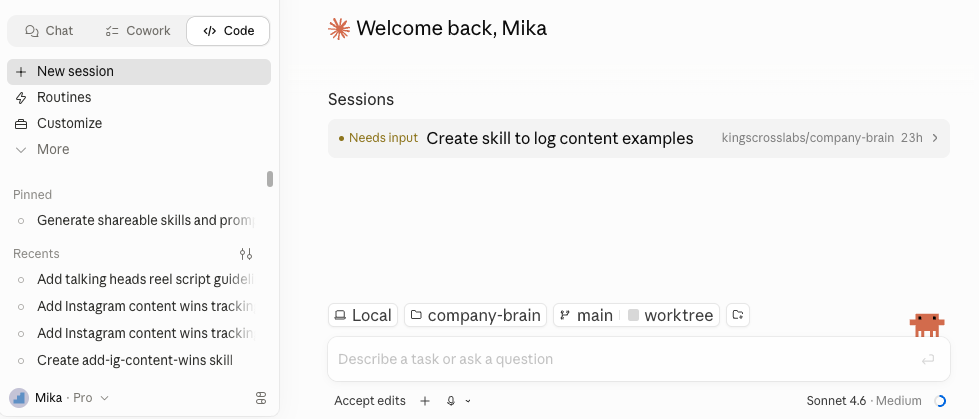
This is the hub. I use Claude for almost everything: drafting, decision support, skills, and project context so sessions pick up where I left off. Skills and project files mean I am not re-explaining my business every time I open a chat. If you only adopt one tool from this list, make it this one.
 Granola
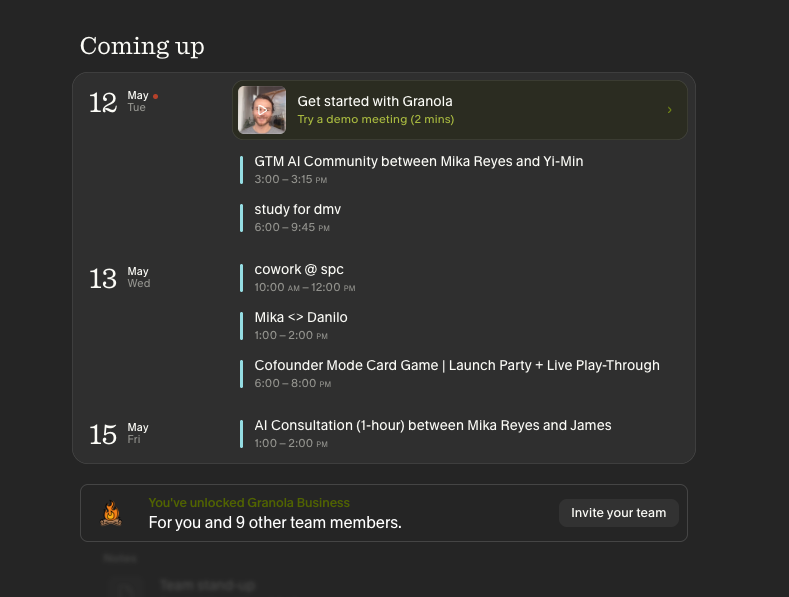
Granola is my AI meeting notes app. It runs in the background, so there is no third-party bot on the call. It records a transcript of the conversation, I can jot notes or not, and when the call ends I get cleaned-up notes I can share or paste into Claude. That single handoff saves me from re-listening to recordings. Signing up through my Granola link currently includes two free months of Granola Business.
 Wispr Flow
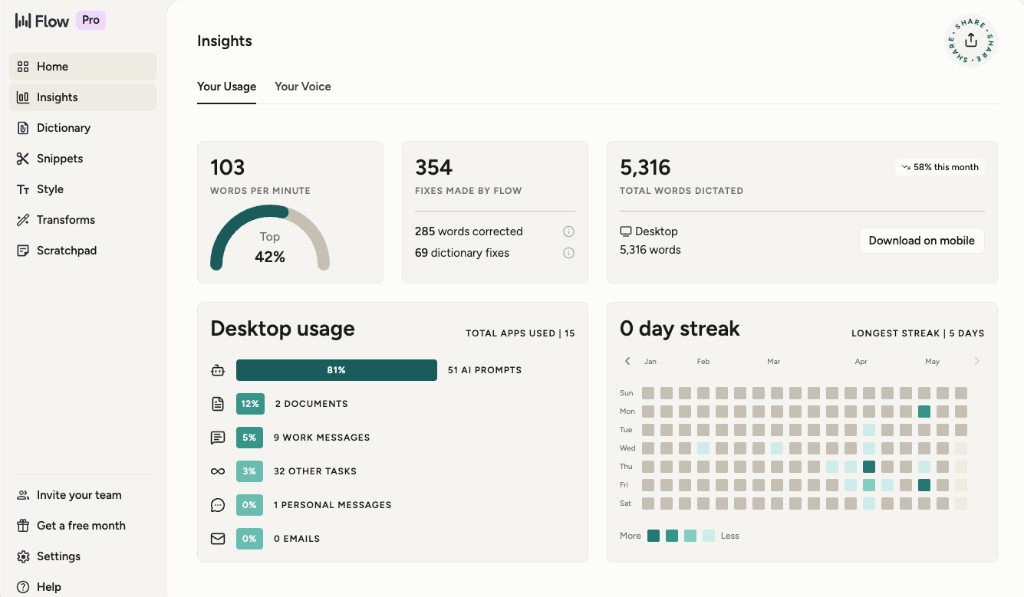
We think and speak faster than we type. Wispr Flow turns speech into text wherever I am typing on my computer: Slack, email, or even the Claude prompt box. It keeps momentum when a paragraph would slow me down. Through my Wispr Flow link you can get one free month of Pro.
 Relay
Relay
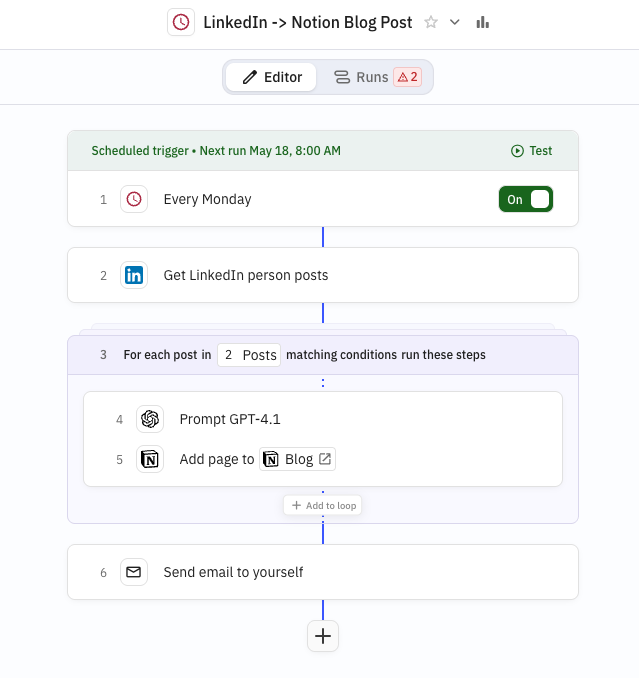
Relay is "Zapier, but built for AI workflows." I use it when the steps are mostly deterministic and I only need a small AI step in the middle. Example: on a schedule, turn my weekly LinkedIn posts into draft blog posts on my site. Scheduled runs mean I am not manually copying content on Sunday nights.
 Cursor
For real coding, I use Cursor instead of burning Claude tokens on long agent runs. Cursor is built for editing a codebase with AI inline. The nice part is that context files and skills I set up for Claude map cleanly into how I work in Cursor, so the same habits transfer. Signing up through my Cursor link currently includes $20 credit toward Cursor Pro.
For referral links and perks in one place (Granola, Wispr Flow, Cursor, Cora, and more), head to my Links page.
Additional Reading
Here are some related guides to check out:
Frequently asked questions
- What are the best AI tools to save time each week?
- The five I run are Claude (my hub for drafting, decisions, and skills), Granola (AI meeting notes with no bot on the call), Wispr Flow (speech-to-text anywhere you type), Relay (Zapier-style automation for AI workflows), and Cursor (AI coding in your editor). Each does one job well, and together they cover conversation, writing, automation, and code. All have a free way to start.
- If I only try one AI tool, which should it be?
- Claude. It's my hub for almost everything: drafting, decision support, and skills, with project files so I'm not re-explaining my business every session. The other four remove specific categories of work around it, but Claude is where the thinking happens. Start there, then add tools as you hit specific bottlenecks.
- Do these AI tools cost money?
- Every tool on the list has a way to start for free, so you can build the stack without paying upfront. Some of my links are personal referral links that add perks, like free months of Granola Business or Wispr Flow Pro, or credit toward Cursor Pro. Try a free tier first, then upgrade only where it earns its keep.
Want to build your first AI agent?
Build Your First Agent 101 is the next step! You'll get step by step guides, video tutorials and starter prompts to create your first agent in half a day, customized to your own workflow.
Learn more