How to Create an Interactive 3D Website with AI

Co-founder at King’s Cross Labs · ex-LinkedIn PM & Forbes 30 Under 30
Send this guide to yourself
Get the link in your inbox so you can read it whenever you're ready.
Your email will also be saved for future updates.
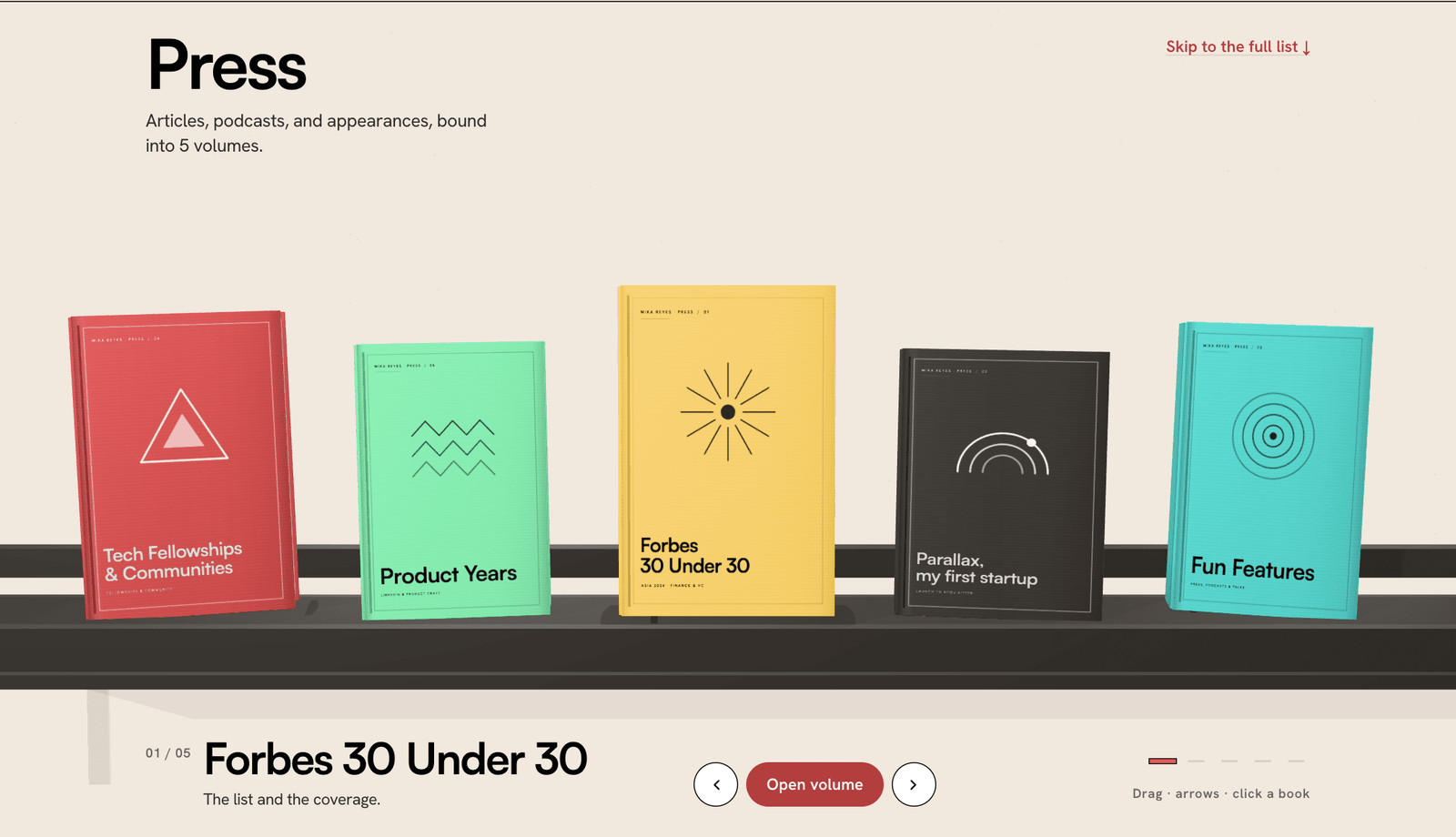
You can add an interactive 3D element to your website without writing code: start from a 3D component that comes with its source code, and have Claude Code rebuild it in your own brand. That's how my press page became a shelf of books you can pull off and flip through, in my colors and my fonts, after one prompt and a few rounds of feedback. Every article, podcast, and feature I've been in is now a page inside a book.
My old press page was a grid of 36 thumbnails nobody clicked. Interactive 3D sites usually mean hiring a developer or settling for a template that looks like everyone else's. The shortcut is to borrow the interaction from something you love and let AI rebuild the look from your own brand rules.
How do you create a 3D interaction for your website?
You give the AI two inputs: the 3D component's source code for how it moves, and your brand file for how it looks. Claude Code combines them, and you refine the result by testing it in your browser and giving feedback in plain English.
Set it up
1. Find a component you can't stop playing with. I found mine on ThreeUI, a library of interactive 3D components. Look for one that comes with its source code or a "copy prompt" button, not just a screenshot. AI rebuilds real code far better than it guesses from a picture.
2. Write your brand down before you prompt. Claude can't match your brand if it lives only in your head. My site has a BRAND.md file (colors, fonts, voice, what I never say) and a DESIGN.md file (how those turn into buttons and layouts). If you don't have one yet, start with how to create a BRAND.md file. It's the single biggest reason this worked.
3. Paste the source with one line on top. In Claude Code, I pasted ThreeUI's integration prompt and added one sentence above it:
"Let's turn my /press page into something like this shelf landing page. Let's use my branding and design but take the aspects of the actual shelf interaction and 3D interaction from below."
That one line tells Claude which parts to keep (the motion) and which to replace (everything visual).
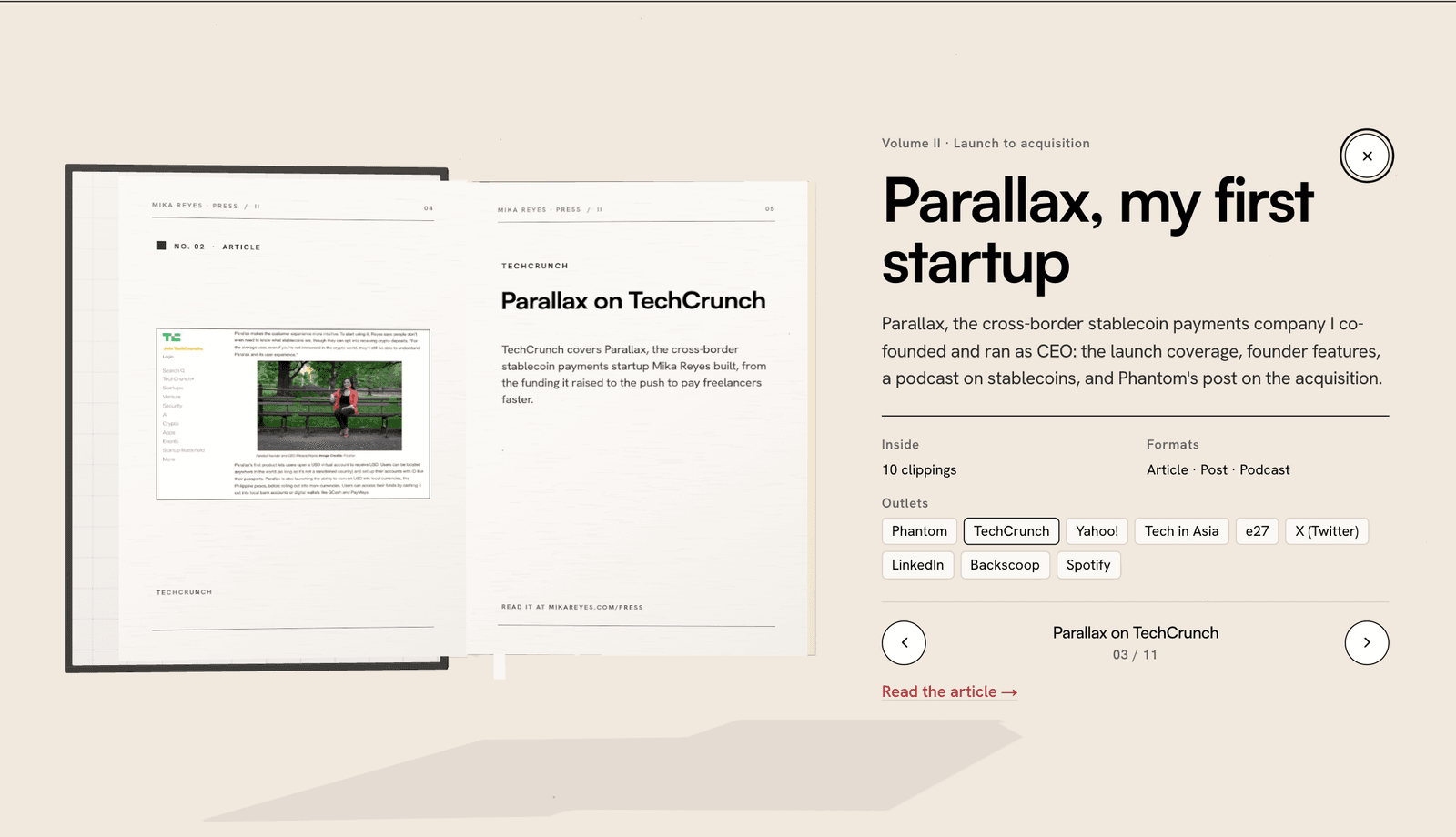
4. Tell it what your content is. The original shelf had seven made-up books. Mine needed 36 real press pieces. Claude grouped them into volumes and made every spread one clipping: the article screenshot on the left page, the headline and summary on the right.
Then make it yours
5. Test it like a visitor, then write one numbered list. I opened it in my browser, clicked everything, and sent all my notes at once: remove these labels, rename these books, the open pages are too bright to read, never use that mono font again. One list beats twenty single messages because Claude can fix related things together.
6. Describe the feeling, not the fix. I didn't know why the pages looked peach and hard to read. I just said "it still seems a bit saturated, I want the correct color tones so I can read it." Claude found the cause (the 3D lights were tinting the paper) and fixed it. You don't need the technical words, just an honest description of what bugs you.
Key insight: Keep the interaction, replace the look. Your brand file is what turns a 3D component into something that's obviously yours.
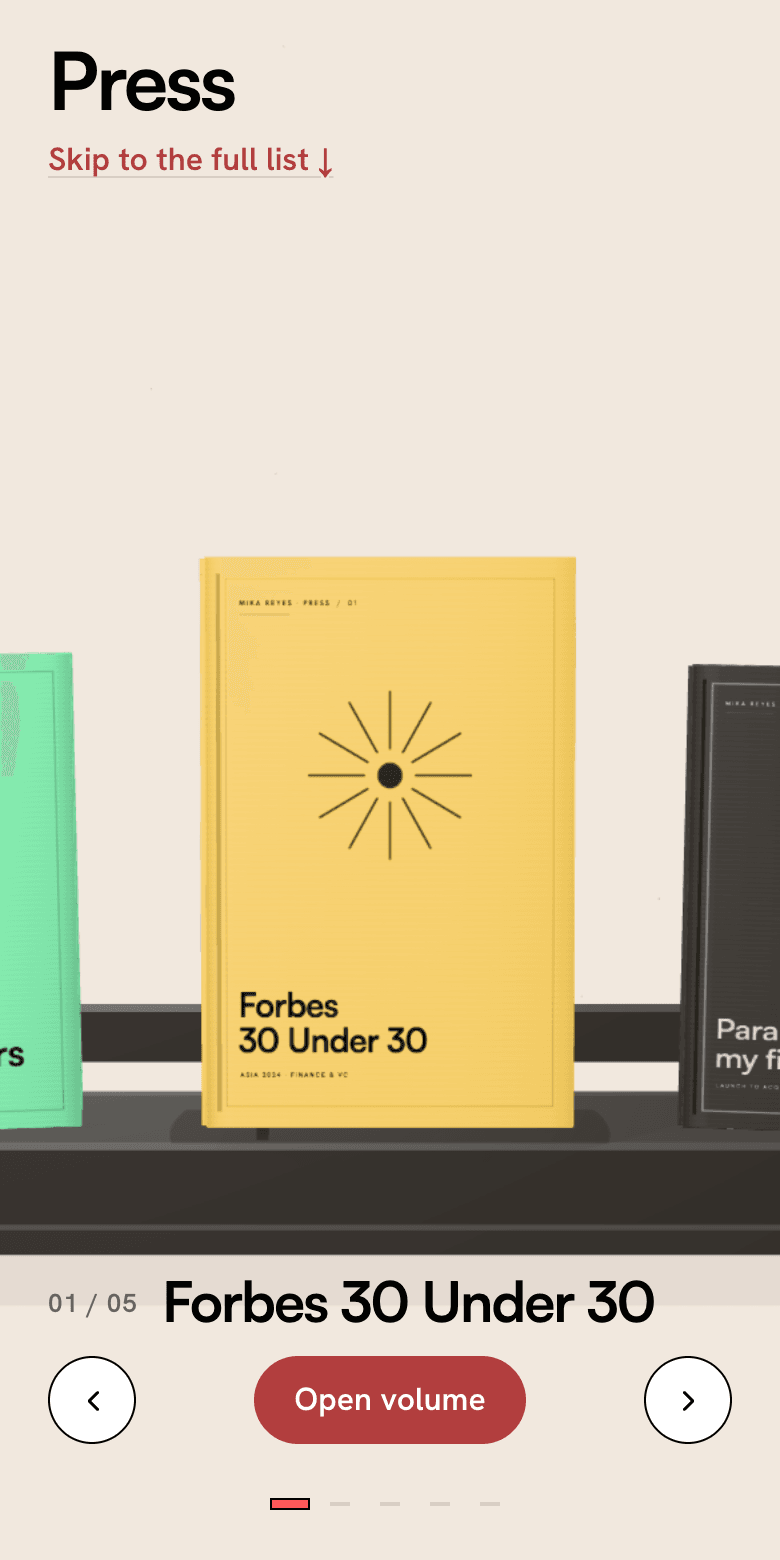
7. Check it on your phone. My first version blocked scrolling on mobile, because the 3D canvas grabbed every swipe. I only noticed because I tried it on a phone. Always test the phone view before you ship.
8. Keep a plain list underneath for Google and AI search. Search engines and ChatGPT can't read what's inside a 3D canvas. So under the shelf there's a normal list of every clipping with real links. Visitors get the fun version, search gets the readable one. If you want to check your own site, here's how to audit your website's SEO and AEO with AI.
Want the rest of your site to feel this polished? I walk through that in how to make your website look expensive with AI. You can see the finished shelf live on my press page.
Additional reading
Here are some related guides to check out:
Frequently asked questions
- Can I add a 3D interaction to my website if I'm not a developer?
- Yes. Paste the component's source or integration prompt into Claude Code and describe what to keep and what to change. You review the result in your browser and give feedback in plain English, so you never have to read the code.
- Is it okay to use a component from a 3D library like ThreeUI?
- Libraries like ThreeUI publish components so people can build with them on their own sites. Rebuild the interaction in your own brand rather than reusing the original look, and credit the source if you write about it.
- What do I need before I start?
- A brand file that spells out your colors, fonts, and voice, plus Claude Code connected to your website's code. Without the brand file, the AI falls back to generic choices.
- Will a 3D page hurt my SEO?
- It can if the 3D canvas is the only content, because search engines and AI assistants can't read inside it. Keep a plain list of the same links in the page's HTML, and the page stays fully crawlable.
Want to build your first AI agent?
Build Your First Agent 101 is the next step! You'll get step by step guides, video tutorials and starter prompts to create your first agent in half a day, customized to your own workflow.
Learn more